9 Visualization
Maschinenfabrik Reinhausen GmbH 2020156 6385142/08 ENETOS
®
ED
Once the switch-on delay has elapsed, the cooling stages are activated. To
limit the inrush current of the cooling stages, they are activated one after an-
other with a delay time of 60seconds.
Load-dep. mode: Switching point 100.0%
Load-dep. mode: Switch-on delay 2.0min
Load-dep. mode: Overrun time 30.0min
Activate period. mode Off
Period. mode: Interval 24h
Period. mode: Switch-on duration 30min
Period. mode: Switch-on delay 120min
Activate altern. mode Off
Altern. mode: Change interval 24h
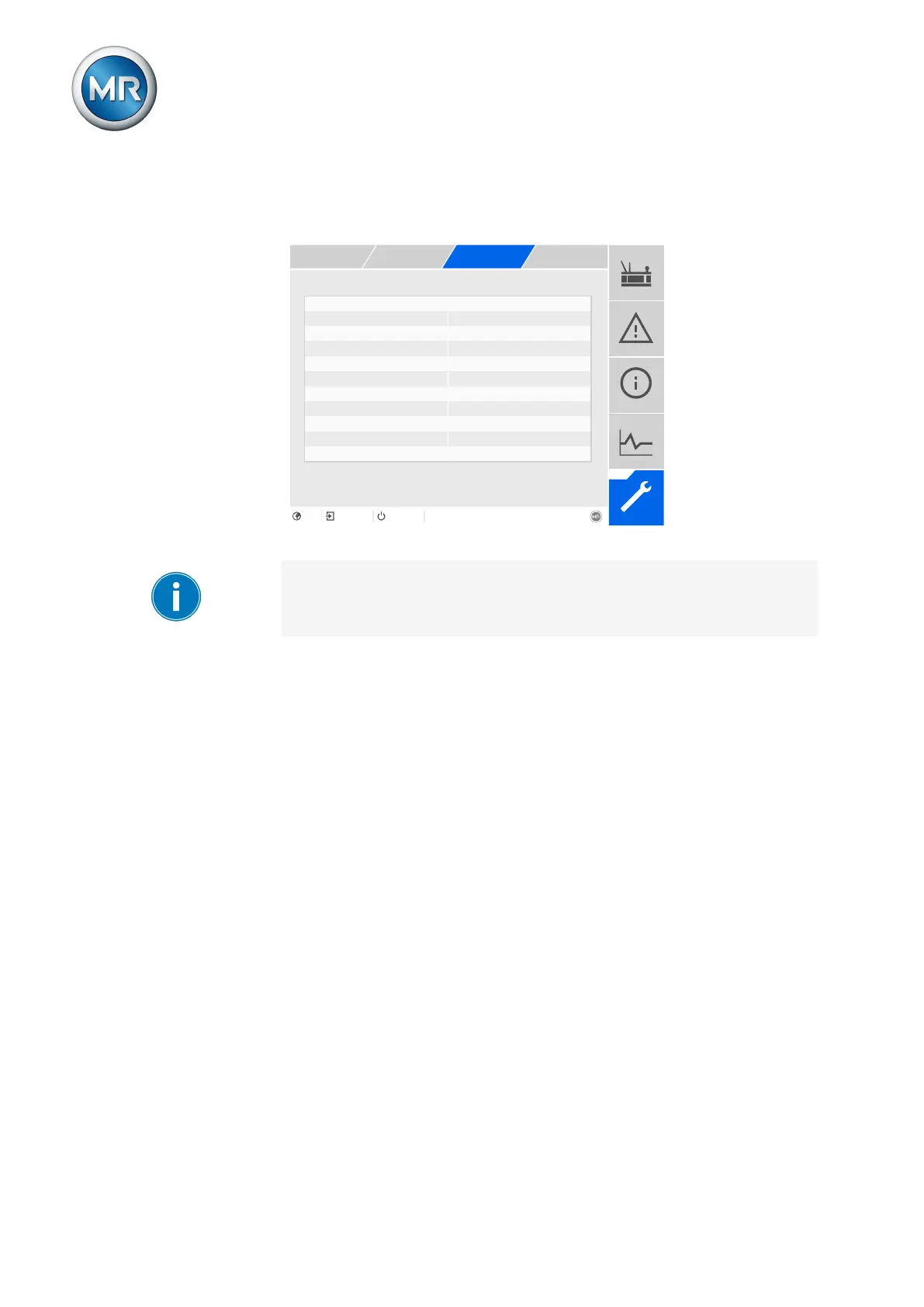
Figure113: Cooling system control
To use this function, you need to activate the corresponding cooling stage
[►Section 9.11.1, Page 153].
1. Go to Settings > Parameters > Cooling system > Cooling system con-
trol.
2. Select the desired parameter.
3. Set the parameter.
4. Press the Accept button to save the modified parameter.
Activate load-dependent mode
You can use this parameter to activate the load-dependent mode of the cool-
ing system control.
Load-dependent mode: Switching point
You can use this parameter to set the switching threshold as a percentage in
relation to the nominal current of the transformer. All cooling stages are acti-
vated if the load current of the transformer is greater than the set switching
point.
Load-dependent mode: Switch-on delay
You can use this parameter to set the delay time for switching on the first
cooling stage.



 To Next Page