9 Visualization
Maschinenfabrik Reinhausen GmbH 2020240 6385142/08 ENETOS
®
ED
The following parameters are available for setting function monitoring:
▪ Function monitoring
▪ Hysteresis
▪ Delay time
Function monitoring Auto and Manual
Lower bandwidth hysteresis 0.1%
Lower bandwidth delay time 2s
Upper bandwidth hysteresis 0.1%
Upper bandwidth delay time 2s
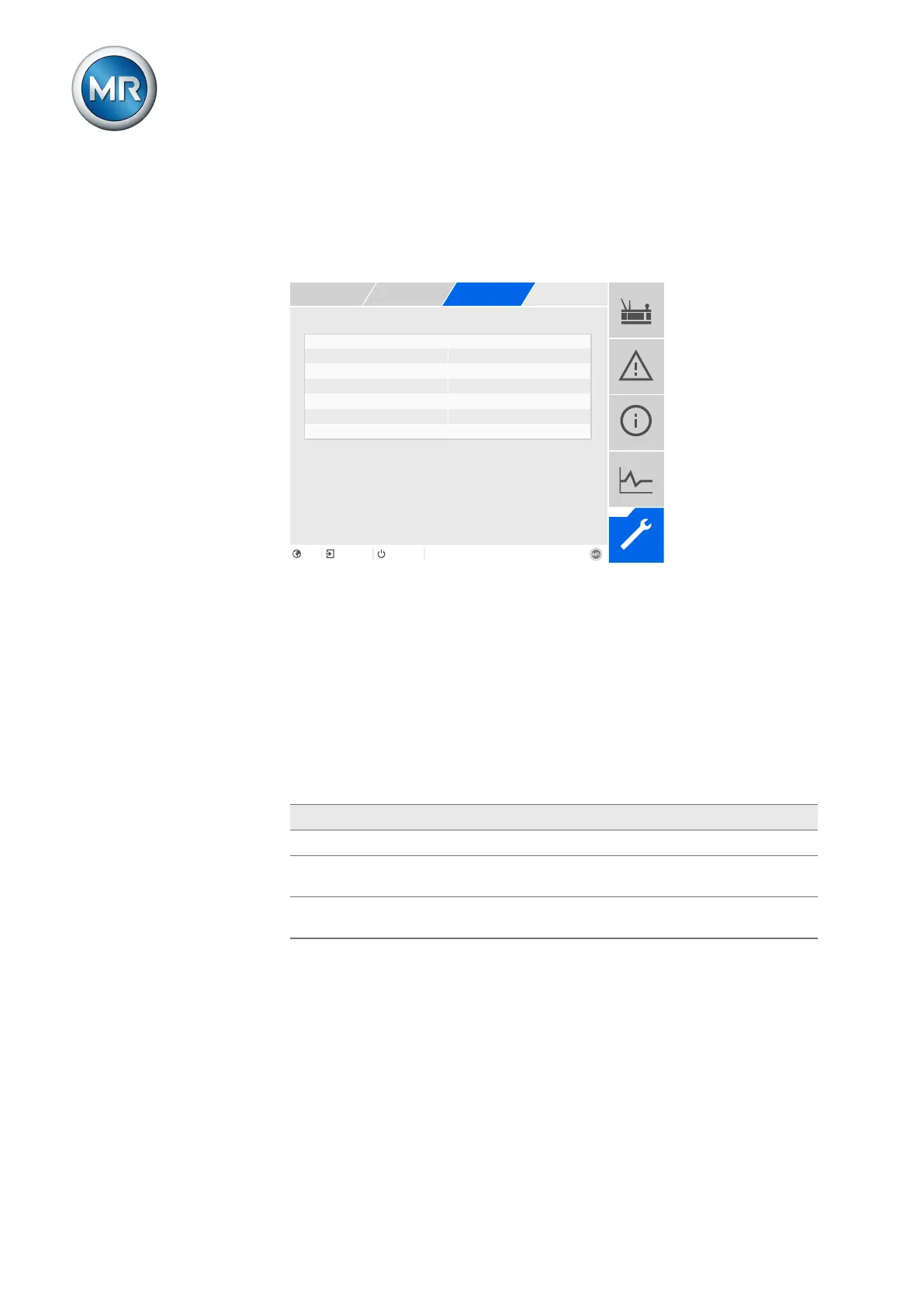
Figure163: Q bandwidth monitoring
1. Go to Settings > Parameters > On-load tap-changer regulator > Q
bandwidth monitoring.
2. Select the desired parameter.
3. Set the desired parameter.
4. Press the Accept button to save the modified parameter.
Function monitoring
You can use this parameter to activate function monitoring. You can select
the following options:
Setting Behavior
Off Function monitoring is deactivated.
Only Auto Function monitoring is only active in AVR AUTO oper-
ating mode.
Auto and Manual Function monitoring is active in AVR AUTO and AVR
MANUAL operating modes
Table78: Activate function monitoring
Hysteresis
You can use this parameter to set the hysteresis. You can use this to avoid
the unnecessary generation of messages if the measured value fluctuates
around a threshold value.



 To Next Page