9 Visualization
Maschinenfabrik Reinhausen GmbH 2020260 6385142/08 ENETOS
®
ED
9.25.4.1 Setting MCI monitoring
The device can monitor the Motor Current Index (MCI) and trigger an event
message if the Motor Current Index is outside of the permissible range. If
you would like to monitor the Motor Current Index, you must set the following
parameters.
Limit value monitoring Off
Primary transformer current 10 A
K1/K2 signal assignment Standard
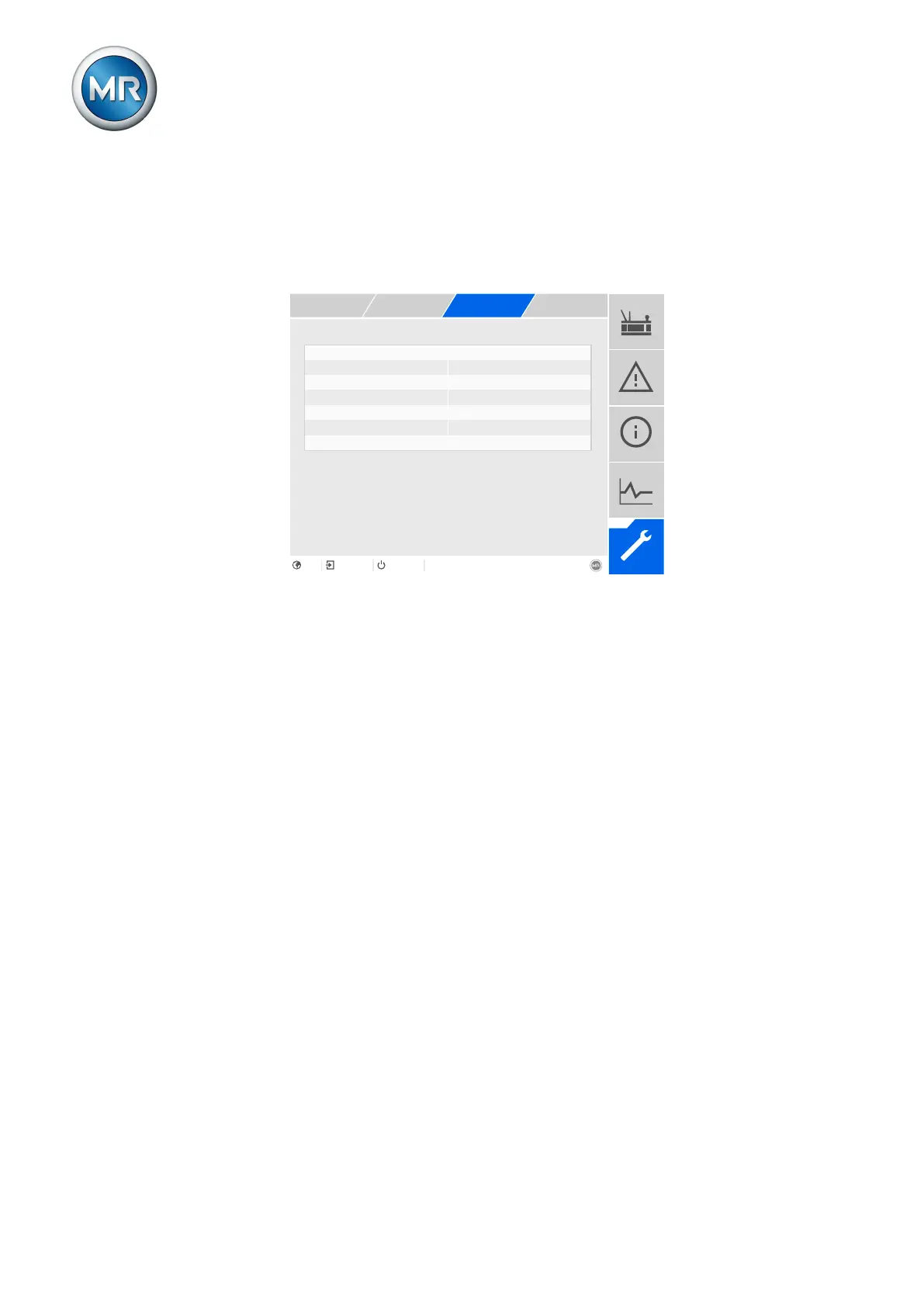
Figure186: Motor Current Index
1. Go to Settings > Parameters > Motor-drive unit > Motor Current In-
dex.
2. Select the desired parameter.
3. Set the desired parameter.
4. Press the Accept button to save the modified parameter.
Determining the limit
values
Upon delivery, the limit values have not been determined. Maschinenfabrik
Reinhausen GmbH recommends the following procedure for determining the
limit values:
1. When commissioning the product, deactivate limit value monitoring.
2. After one year, display the minimum and maximum values of the Motor
Current Index (MCI extreme values [►Section 9.25.4.2, Page 261]).
3. Use the maximum value of the MCI +20% for the upper limit value, and
the minimum value of the MCI -20% for the lower limit value.
4. Repeat this procedure annually, and then reset the MCI extreme values.
Limit value monitoring
You can use this parameter to activate or deactivate Motor Current Index
monitoring.
TSO/CSO >
You can use this parameter to set the upper limit value for tap selector oper-
ations / change-over selector operations. If the Motor Current Index is
greater than the upper limit value, the device triggers an event message.



 To Next Page