MI
19
Innovation. Quality. Performance. Best in Industry. Worldwide.
Brightness
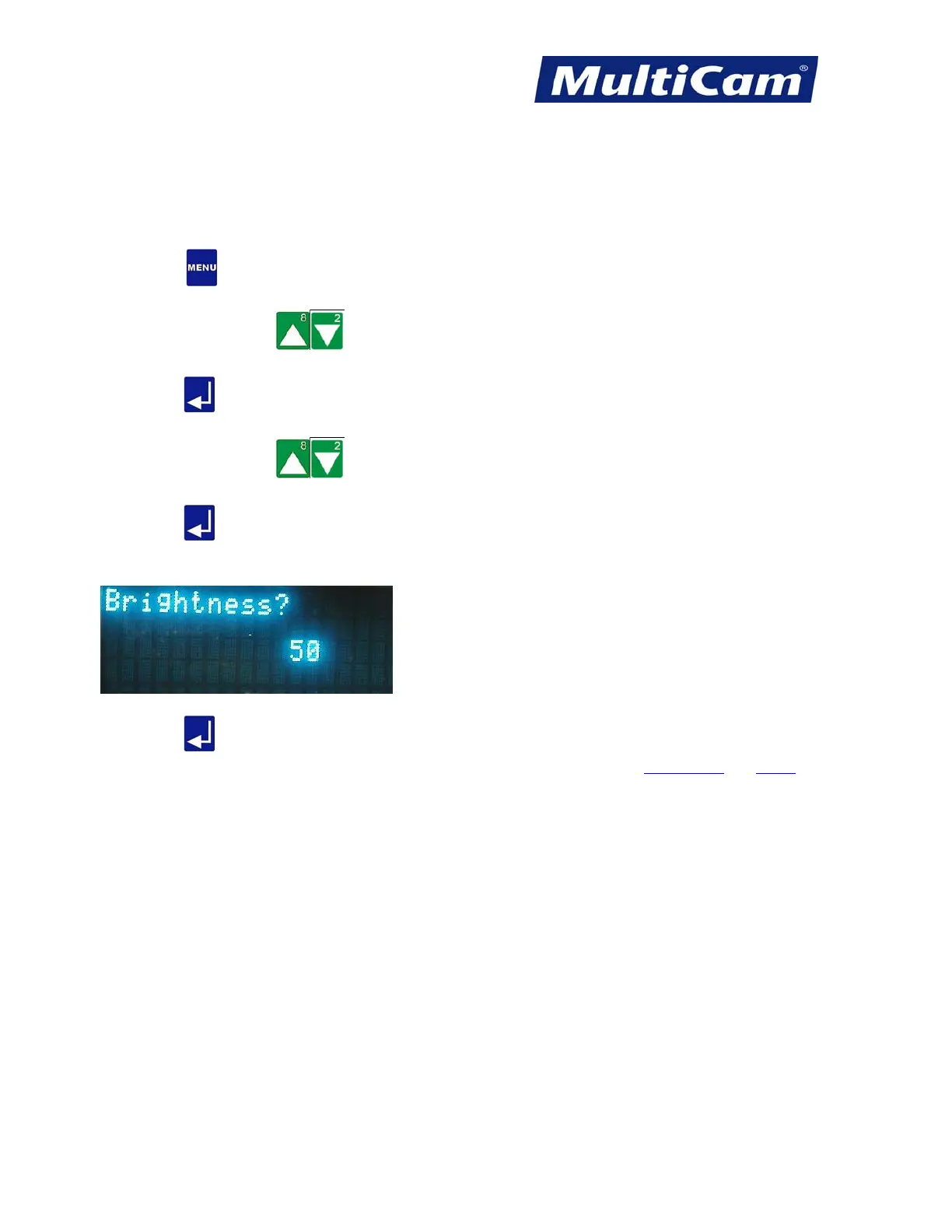
The Brightness function is used to adjust the brightness of the image when images are being rastered. The system
automatically defaults to 50, but the operator may change this value.
1. Press Menu
to access the menu system.
2. Press X-axis Jog Arrows
until Params_2D is highlighted in blue.
3. Press Enter
to access the Params_2D sub-menu.
4. Press X-axis Jog Arrows
until Brightness is highlighted in blue.
5. Press Enter
to change the Brightness. The cursor will be over the entry for the current brightness.
6. Enter the desired brightness using the number keypad (e.g., 50).
7. Press Enter to record the Brightness and return to the Params_2D sub-menu.
Params_2D
Menu
Routers * Lasers * Plasma * WaterJets * Knife Cutters
www.MultiCam.com v. 11 10



 To Next Page