MI
6
Innovation. Quality. Performance. Best in Industry. Worldwide.
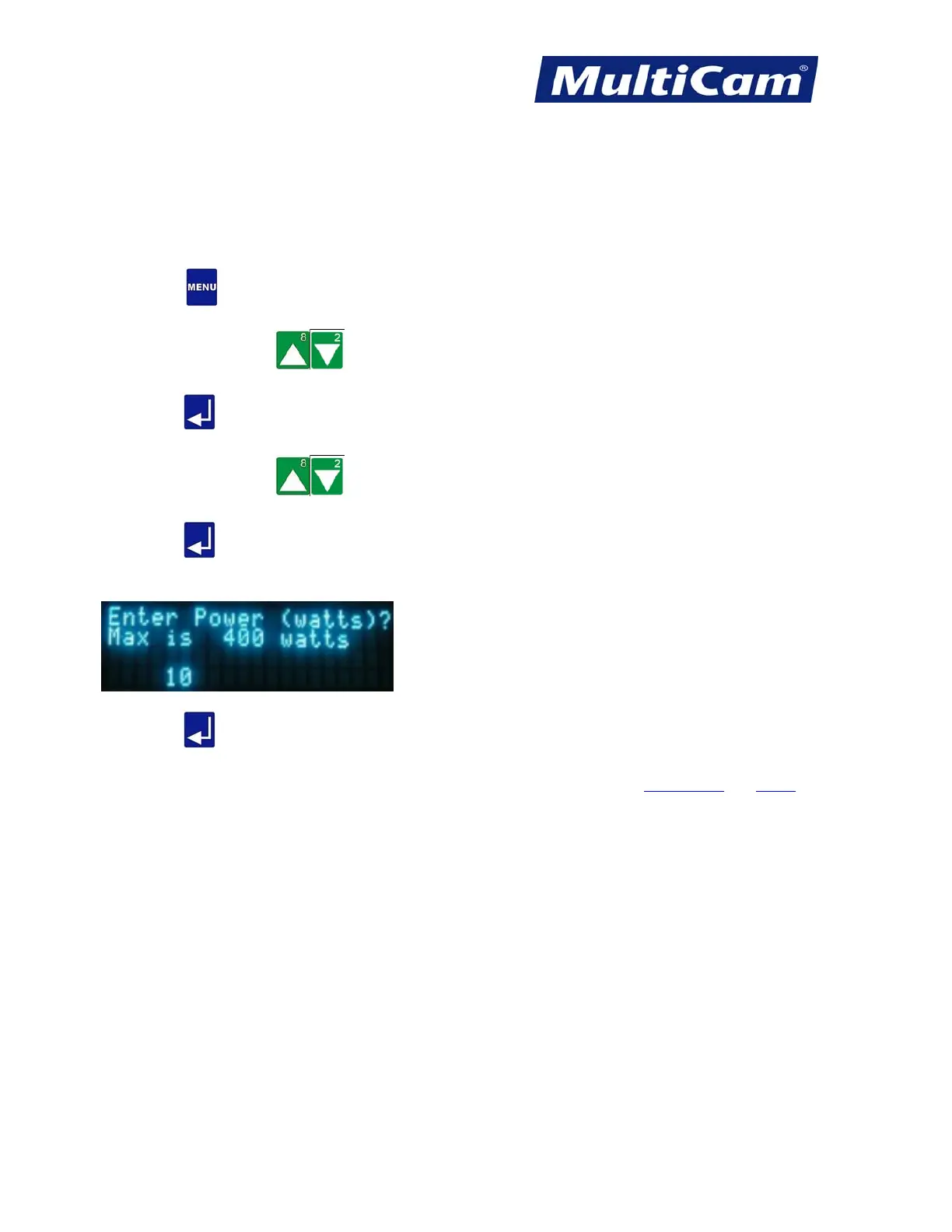
Cut Power
The Cut Power function is used to set the percentage of the laser power for the machine use during the cutting
sequence. The actual power used depends on each specific laser, and the maximum power is also dependent on
the type of laser (e.g., 400 watts is the maximum power for a 400 watt laser).
1. Press Menu
to access the menu system.
2. Press X-axis Jog Arrows
until Params_2D is highlighted in blue.
3. Press Enter
to access the Params_2D sub-menu.
4. Press X-axis Jog Arrows
until Power is highlighted in blue.
5. Press Enter
to adjust the Power.
6. Enter the percent of power using the number keypad (e.g., 10).
7. Press Enter
. The display returns to the Params_2D sub-menu.
Params_2D
Menu
Routers * Lasers * Plasma * WaterJets * Knife Cutters
www.MultiCam.com v. 11 10



 To Next Page