MI
7
Innovation. Quality. Performance. Best in Industry. Worldwide.
Cut Height
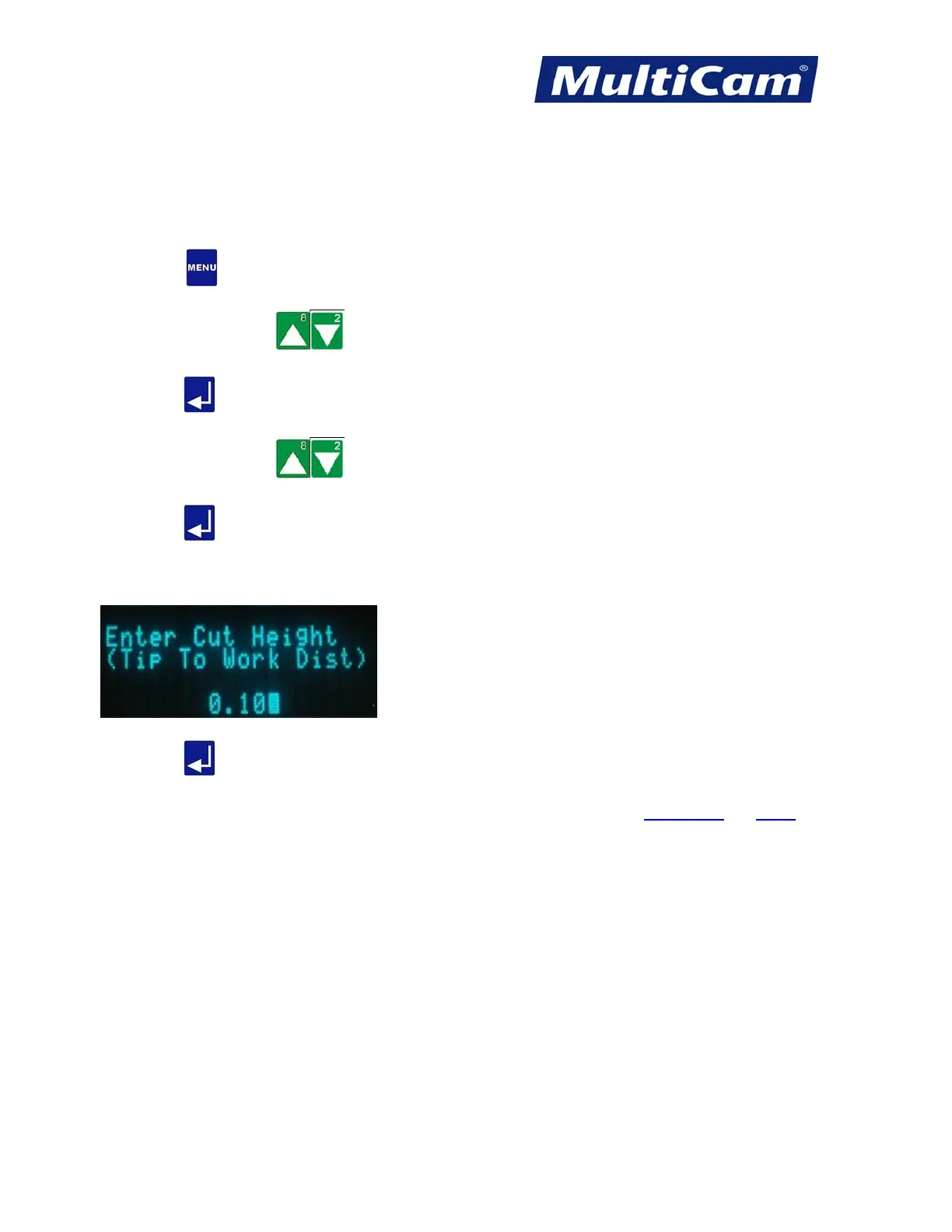
The Cut Height function is used to set the distance the cutting tip will operate above the surface of the material on
a cutting move.
1. Press Menu
to access the menu system.
2. Press X-axis Jog Arrows
until Params_2D is highlighted in blue.
3. Press Enter
to access the Params_2D sub-menu.
4. Press X-axis Jog Arrows
until Cut Height is highlighted in blue.
5. Press Enter
to adjust the Cut Height.
6. Enter the Cut Height using the number keypad (e.g., 0.100). A positive value will raise the focal point above
the material surface, and a negative value will lower the focal point below the material surface.
7. Press Enter . The display returns to the Params_2D sub-menu.
Params_2D
Menu
Routers * Lasers * Plasma * WaterJets * Knife Cutters
www.MultiCam.com v. 11 10



 To Next Page