MI
81
Innovation. Quality. Performance. Best in Industry. Worldwide.
Routers * Lasers * Plasma * WaterJets * Knife Cutters
www.MultiCam.com v. 11 10
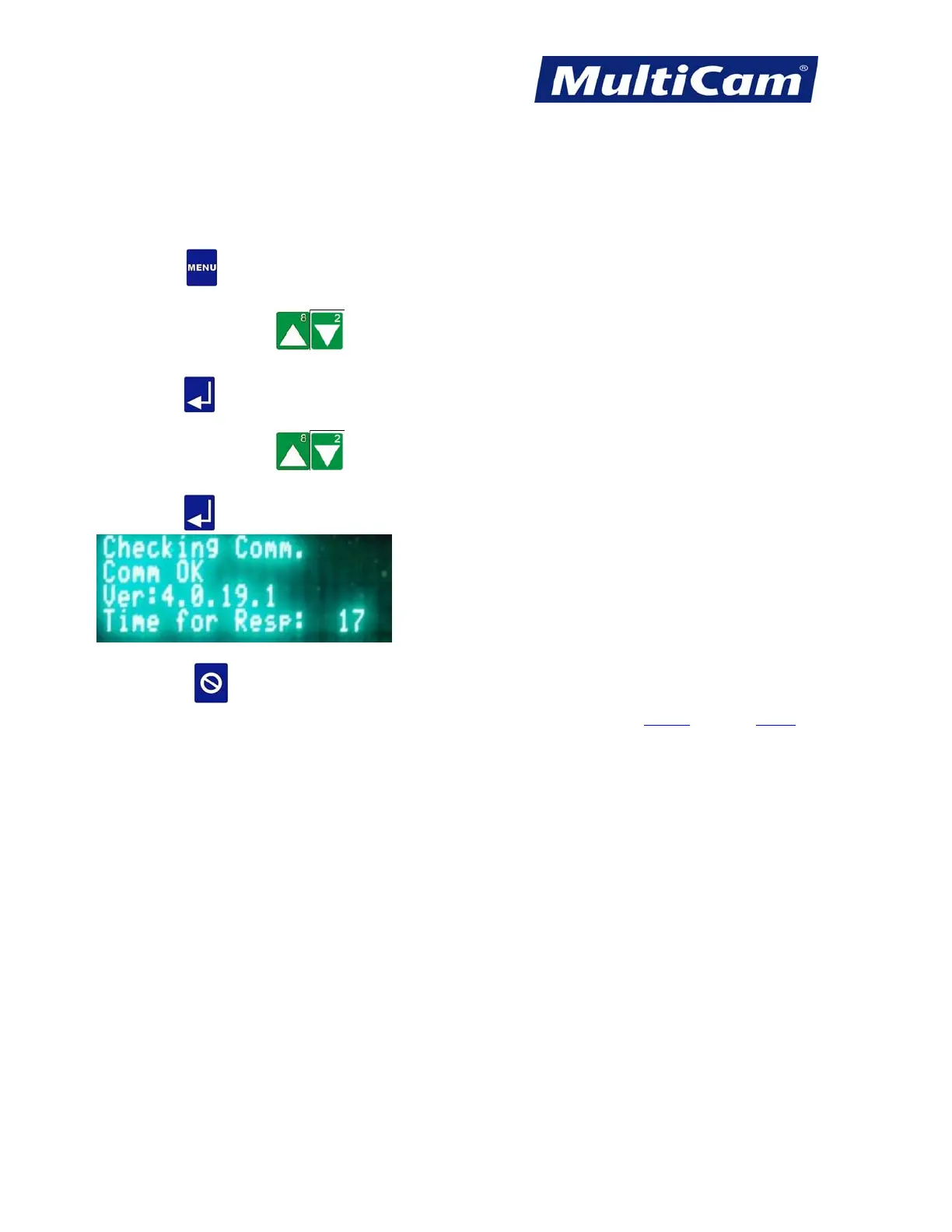
Connection Test
The Connection Test function is used to test the communication between the controller and the computer via the
VisionTool4 or MultiVision and JobServer applications. The screen is for information only, and operators can
report any errors to Technical Support.
1. Press Menu
to access the menu system.
2. Press X-axis Jog Arrows
until Vision is highlighted in blue.
3. Press Enter
to access the Vision sub-menu.
4. Press X-axis Jog Arrows until Connection Test is highlighted in blue.
5. Press Enter
to begin the Connection Test.
6. Press Cancel
to exit the Communication test and return to the Vision sub-menu.
Vision
Menu



 To Next Page