KF
25
Innovation. Quality. Performance. Best in Industry. Worldwide.
Set Soft Homes
The Set Soft Homes function allows the operator to establish 9 programmable soft home positions to record
multiple home positions that can be used in supporting multiple cutting fixtures. These homes stay recorded in
memory even after power has been removed from the system.
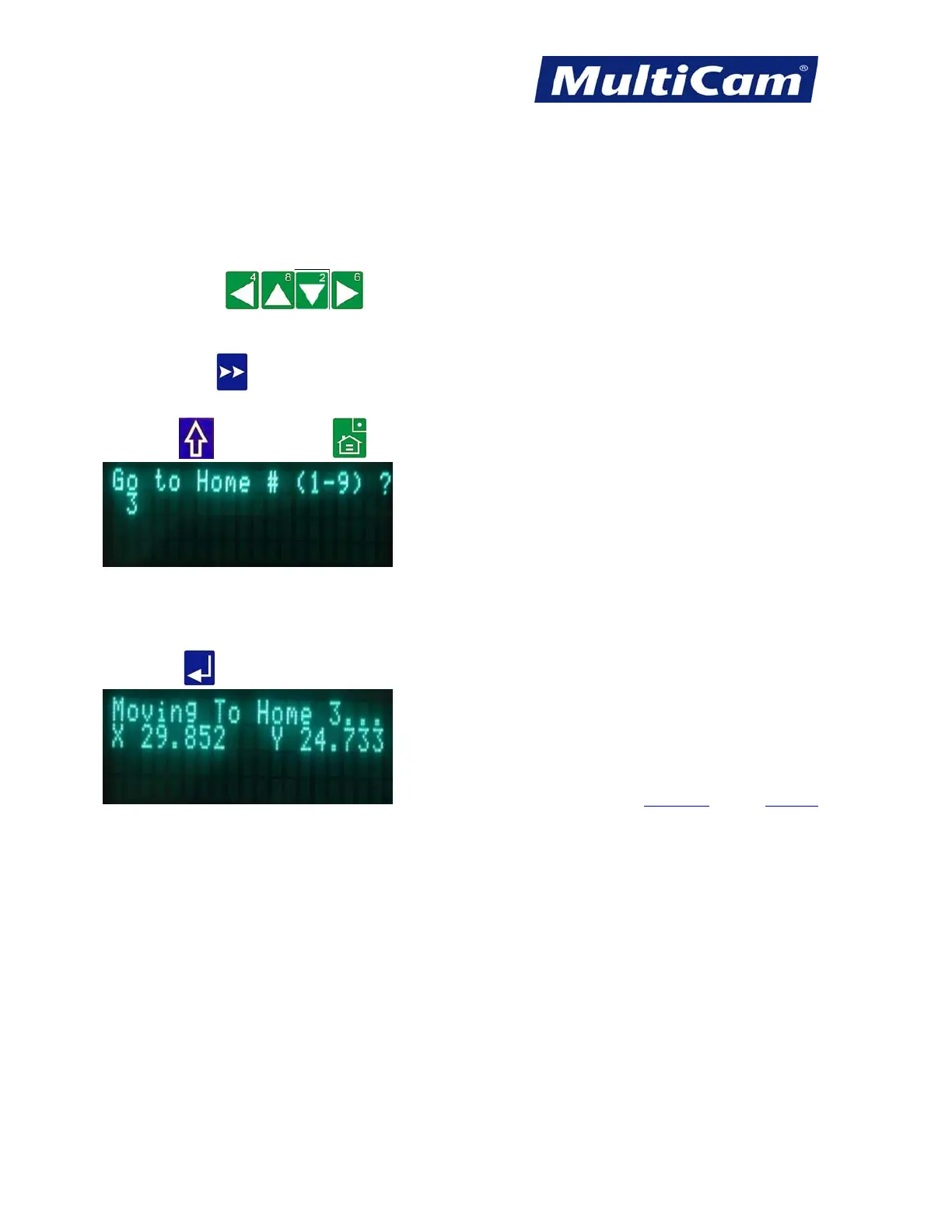
1. Press Jog Arrows
to position the center of the head assembly where the new Soft Home
location should be set.
2. Press Jog Speed
to change the Jogging speed if necessary.
3. Press Shift
and Soft Homes .
4. Enter a number between 1 and 9 using the number keypad (e.g., 3). If the operator wants to save the Z value in
the Soft Home, he or she should contact a
MultiCam technician for assistance.
5. Press Enter
to record the new Soft Home.
Hot Keys Keypad
Routers * Lasers * Plasma * WaterJets * Knife Cutters
www.MultiCam.com v. 11 10



 To Next Page