KF
20
Innovation. Quality. Performance. Best in Industry. Worldwide.
Park Z Up or Down
The Park Z function will move the head assembly to either the absolute Z=0 position or all the way up in a
process which allows for tool changes.
1. Press Shift
and Z-axis Up Jog Arrow to raise the head assembly to the absolute Z=0 position.
2. Press Shift
and Z-axis Down Jog Arrow to lower the head assembly to the Lift Height position.
Hot Keys
Keypad
Change Material Thickness
The Change Material Thickness function allows the operator to change the programmed material thickness.
1. Press Shift
and Set Surface to access the Change Material Thickness function.
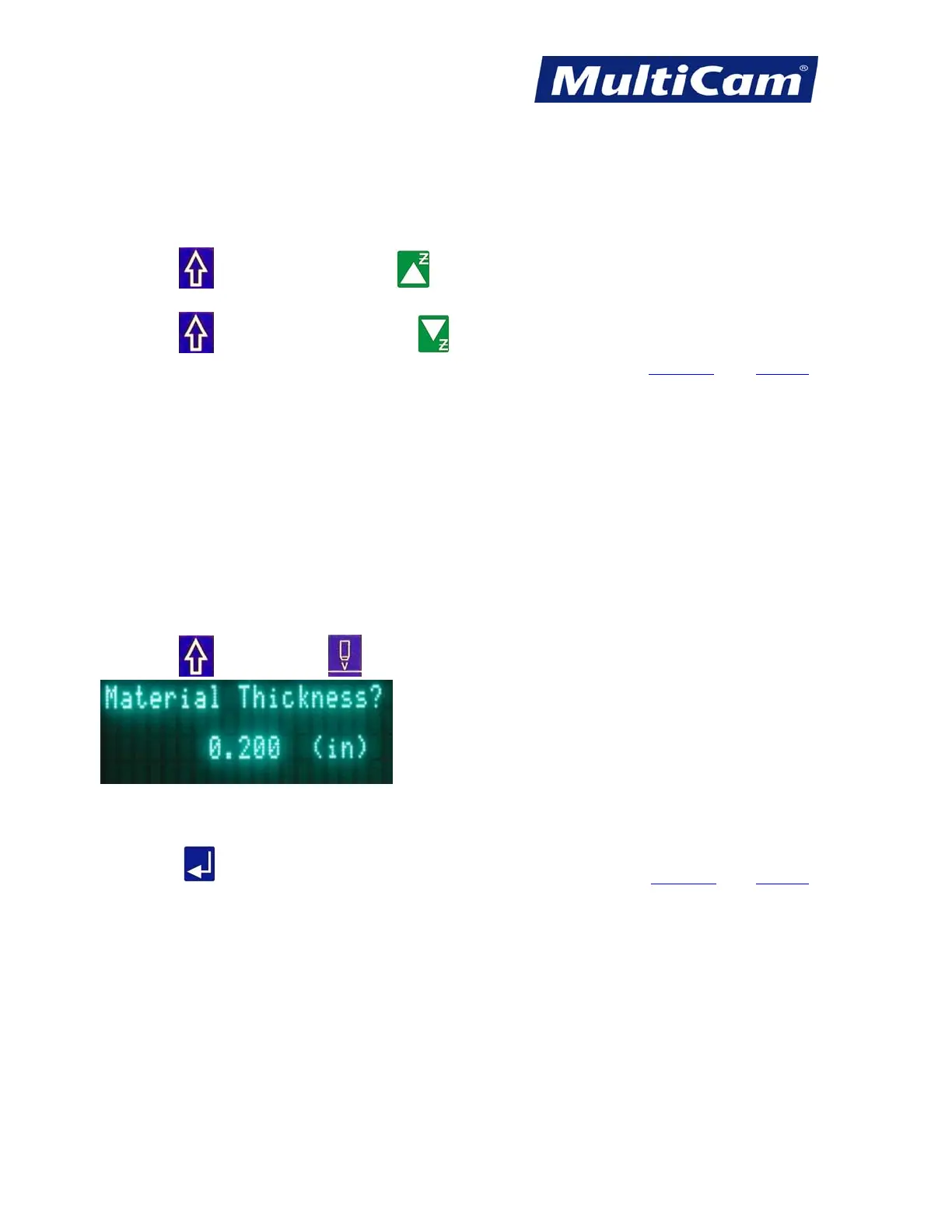
2. Enter the thickness of the material using the number keypad (e.g., 0.200).
3. Press Enter
to accept the material thickness and return to the main display. Hot Keys Keypad
Routers * Lasers * Plasma * WaterJets * Knife Cutters
www.MultiCam.com v. 11 10



 To Next Page