KF
29
Innovation. Quality. Performance. Best in Industry. Worldwide.
7. Press X-axis Down Jog Arrow once.
8. Press Enter to start the Dry Run process. The operator can press Cancel to abort the selected job
file or Pause
to change a tool, set up a 2D parameter, or set surface or max depth while holding the file
in queue. Advanced
Keypad
Rotate File
The Rotate File function is used to rotate the program to match the material. Operators may find it impractical to
square material sufficiently when heavy materials are loaded onto the table, so this function allows the machine to
adjust the parameters of the job file.
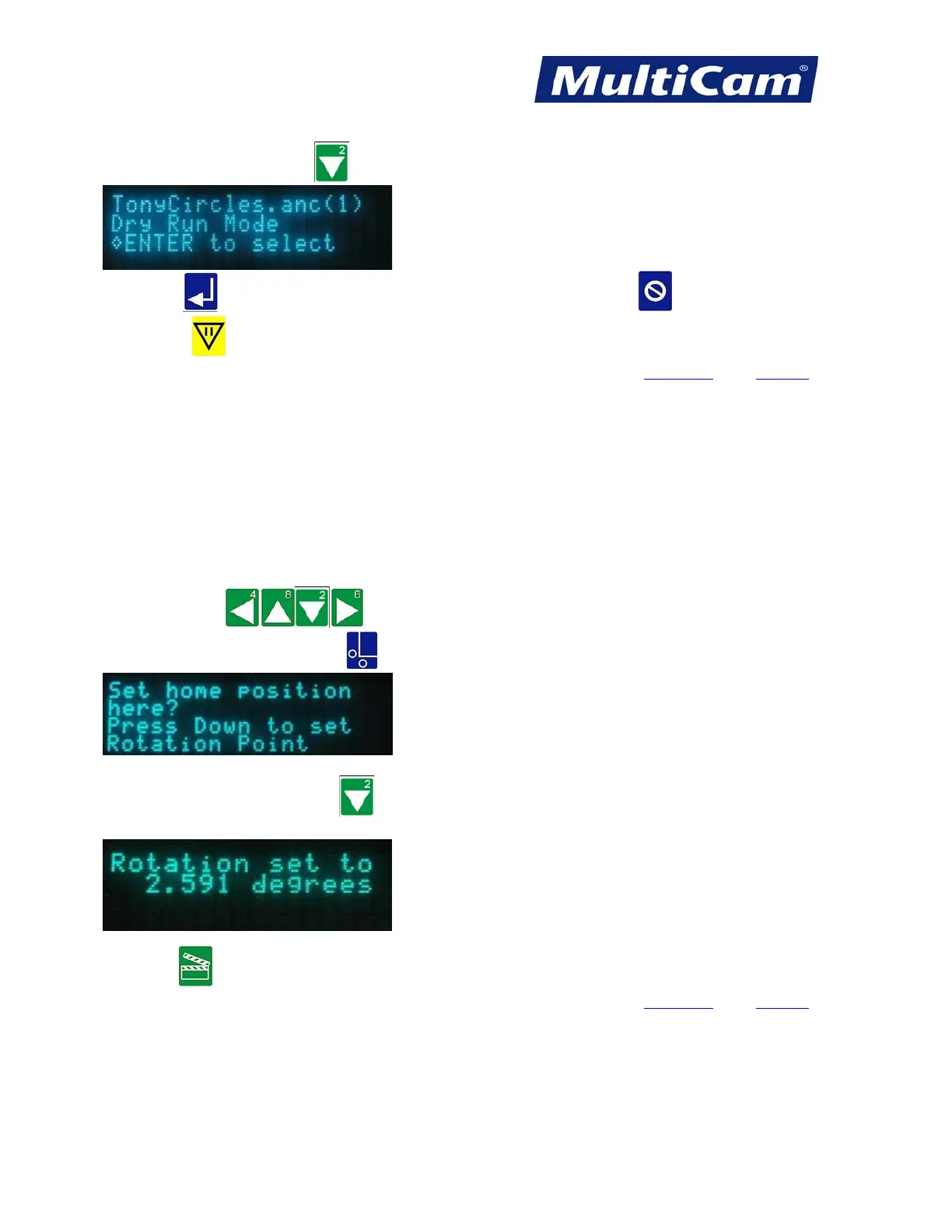
1. Press Jog Arrows
to position the center of the head assembly over the rear right corner
of the material and press Set Home
.
2. Press the X-axis Down Jog Arrow to set the Rotation Point. The keypad will briefly display the rotation
setting and then switch back to the main display.
3. Press Start to begin the job file. The operator will be prompted to accept or reject the rotation.
Advanced
Keypad
Routers * Lasers * Plasma * WaterJets * Knife Cutters
www.MultiCam.com v. 11 10



 To Next Page