KF
12
Innovation. Quality. Performance. Best in Industry. Worldwide.
Menu
Menu Items help the operator handle many of the functions of the MultiCam Laser by providing the ability to
set feedrates and other parameters, run tests, and cut basic shapes. With the addition of some advanced features of
the
MultiCam Laser, the operator can also adjust tools or duplicate shapes which create G-Code files quickly.
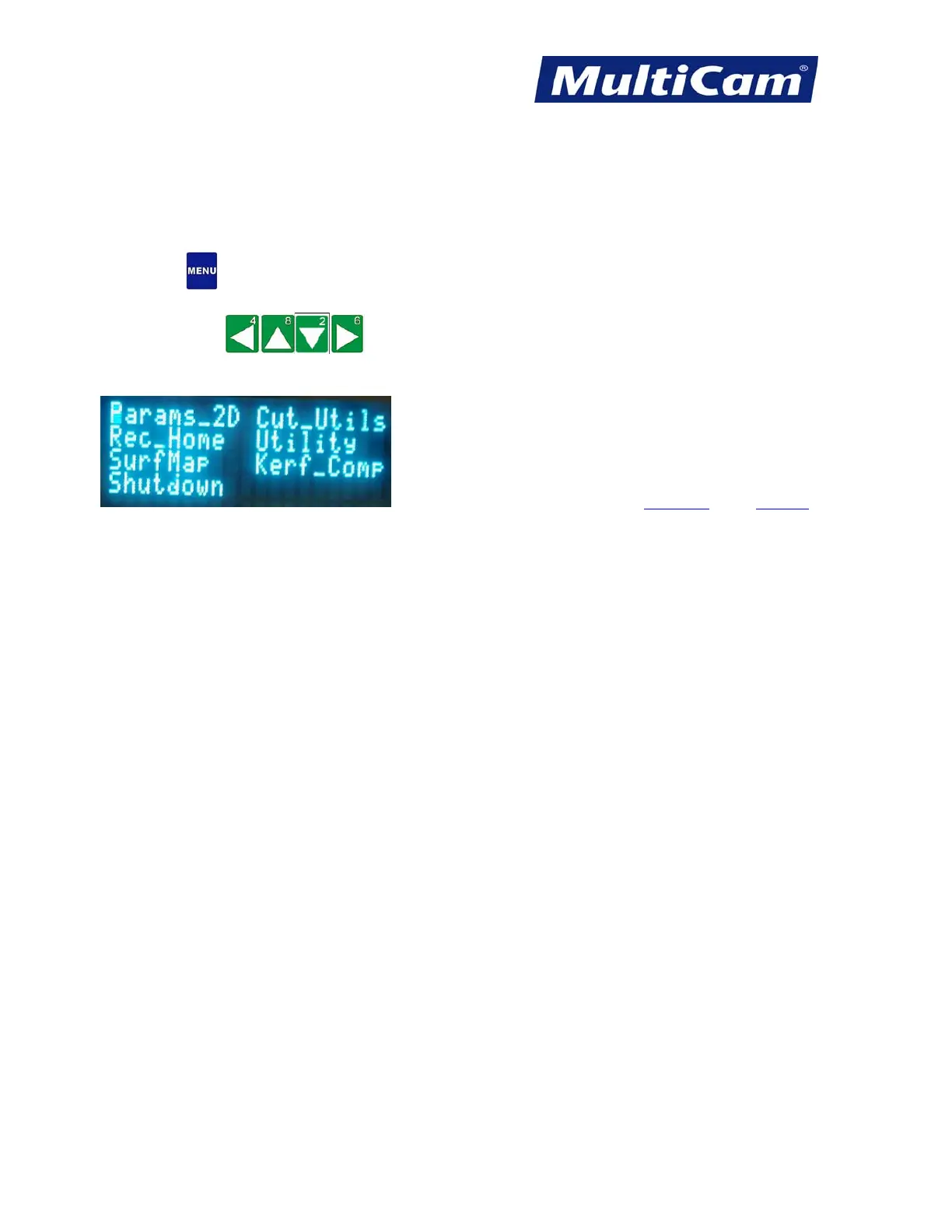
1. Press Menu
to access the menu system.
2. Press Jog Arrows
until the blinking the cursor is over a specific menu item. Certain menu
items will then pull up a sub-menu with more selection. Not all menu items will be applicable for some
systems.
Hot Keys Keypad
Routers * Lasers * Plasma * WaterJets * Knife Cutters
www.MultiCam.com v. 11 10



 To Next Page