KF
22
Innovation. Quality. Performance. Best in Industry. Worldwide.
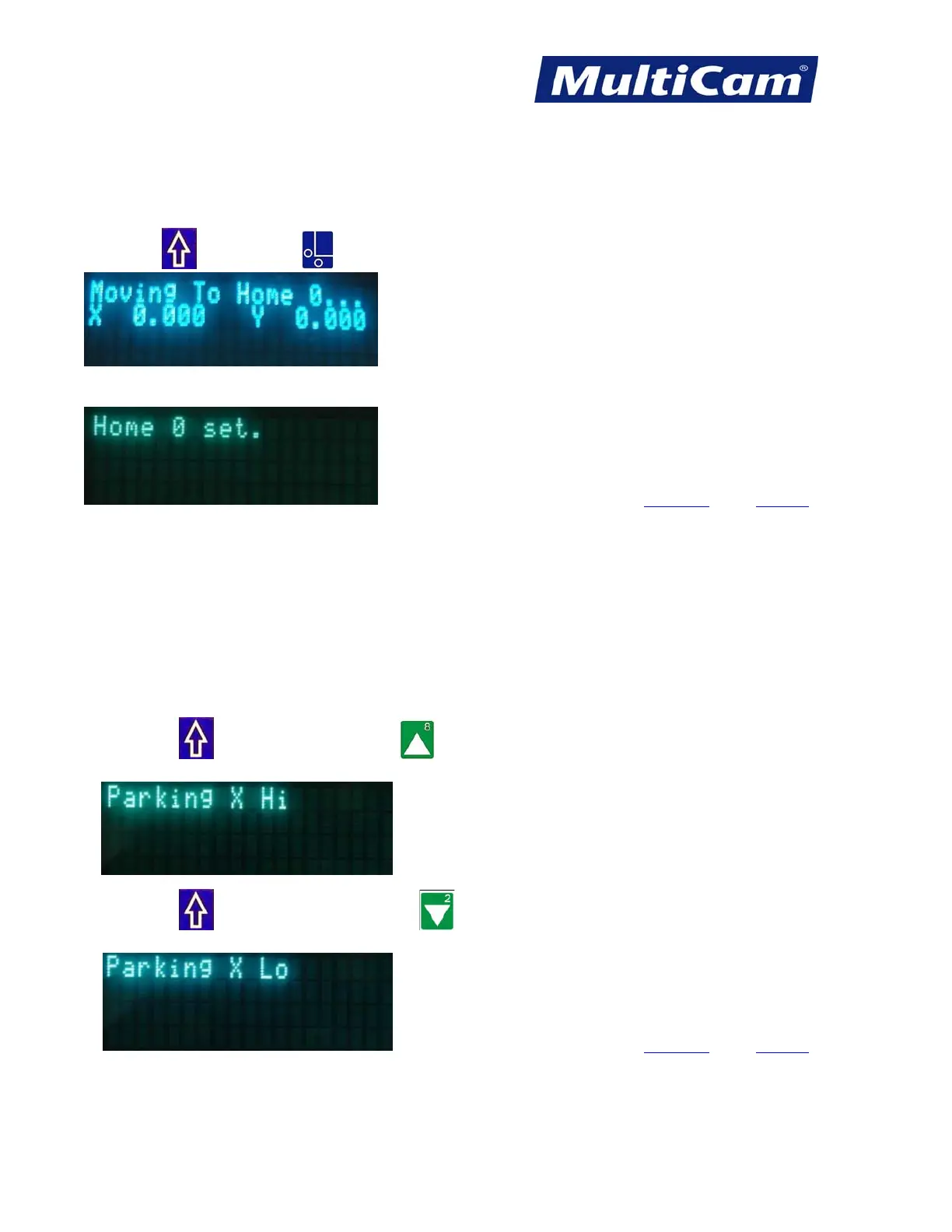
Return to Home 0
The Return to Home 0 function will return the head assembly to the last recorded set home position or soft home
location 0. If power has been lost or the machine was rebooted, Home 0 will become the new Hard Home.
Press Shift
and Set Home .
When the Home position has been reached:
Hot Keys Keypad
Park X High or Low
The Park X function will move the head and gantry assembly to a set park position that could be as far away as
the maximum length of the table or all the way back in X-axis. This allows the operator to reload material on the
table or examine work without interference from the head assembly.
1. Press Shift
and X-axis Up Jog Arrow to move the head and gantry assembly to the high or farthest
set park position.
2. Press Shift and X-axis Down Jog Arrow to move the head and gantry assembly to the low or closest
set park position.
Hot Keys Keypad
Routers * Lasers * Plasma * WaterJets * Knife Cutters
www.MultiCam.com v. 11 10



 To Next Page