MI
49
Innovation. Quality. Performance. Best in Industry. Worldwide.
Circle
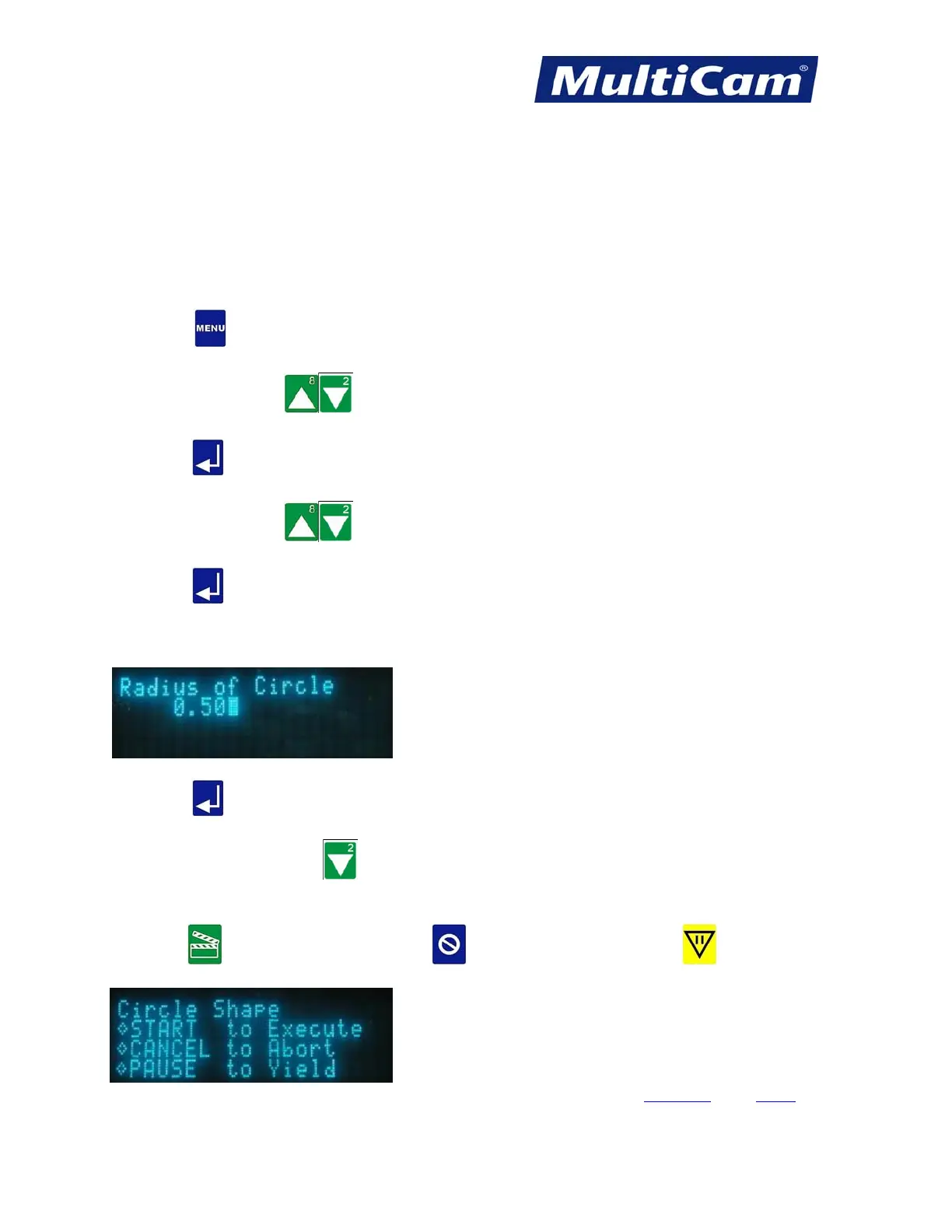
The Circle function is used to run a Circle Shape sample file to test the output of the system using the present Set
Home, Cut Height, Lift Height, Pierce Height, and X & Y Feedrate.
1. Set up the system as if a normal file is to be executed (e.g., Material Library, Set Home, Cut Height, Lift
Height, Pierce Height, and X & Y Feedrate).
2. Press Menu
to access the menu system.
3. Press X-axis Jog Arrows
until Cut_Utils is highlighted in blue.
4. Press Enter
to access the Cut Utilities sub-menu.
5. Press X-axis Jog Arrows
until Circle is highlighted in blue.
6. Press Enter
to access the Circle function.
7. Enter the radius of the Circle using the number keypad (e.g., 0.500).
8. Press Enter to accept the value.
9. Press X-axis Down Jog Arrow
to access the Dry Run function if needed. This step is optional and
can be skipped.
10. Press Start
to execute Circle Cut, Cancel to abort the function, or Pause to reposition the
start point.
Cut_Utils Menu
Routers * Lasers * Plasma * WaterJets * Knife Cutters
www.MultiCam.com v. 11 10



 To Next Page