MI
70
Innovation. Quality. Performance. Best in Industry. Worldwide.
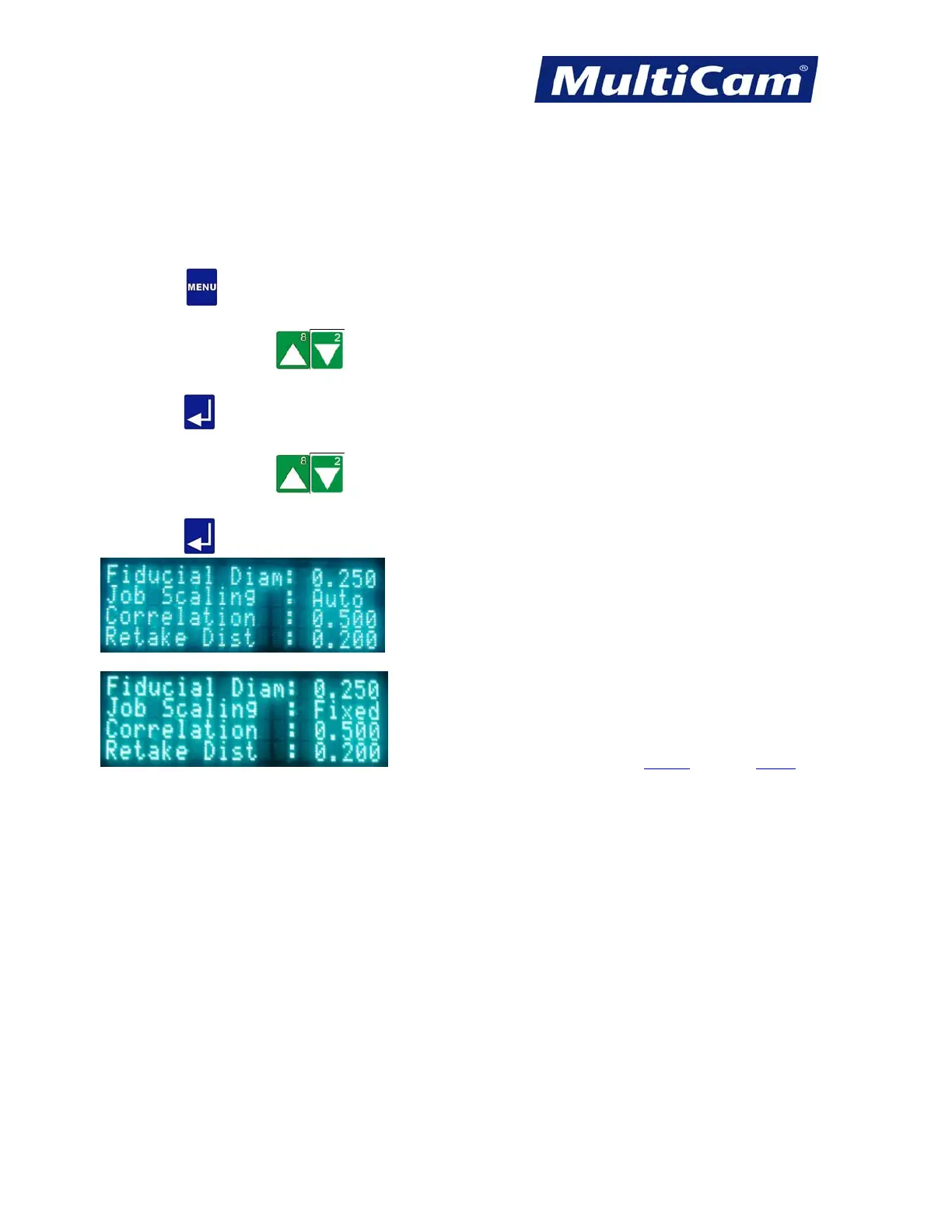
Job Scaling
The Job Scaling function allows the operator to set the system to use 1:1 scaling in fixed mode or to configure the
scaling based on the distances between the first and second fiducial and between the first and third fiducial in
automatic mode. Fixed mode is used mainly for testing, while most operators will use automatic mode.
1. Press Menu
to access the menu system.
2. Press X-axis Jog Arrows
until Vision is highlighted in blue.
3. Press Enter
to access the Vision sub-menu.
4. Press X-axis Jog Arrows
until Job Scaling is highlighted in blue.
5. Press Enter
to toggle between Auto and Fixed.
Vision Menu
Routers * Lasers * Plasma * WaterJets * Knife Cutters
www.MultiCam.com v. 11 10



 To Next Page