KF
3
Innovation. Quality. Performance. Best in Industry. Worldwide.
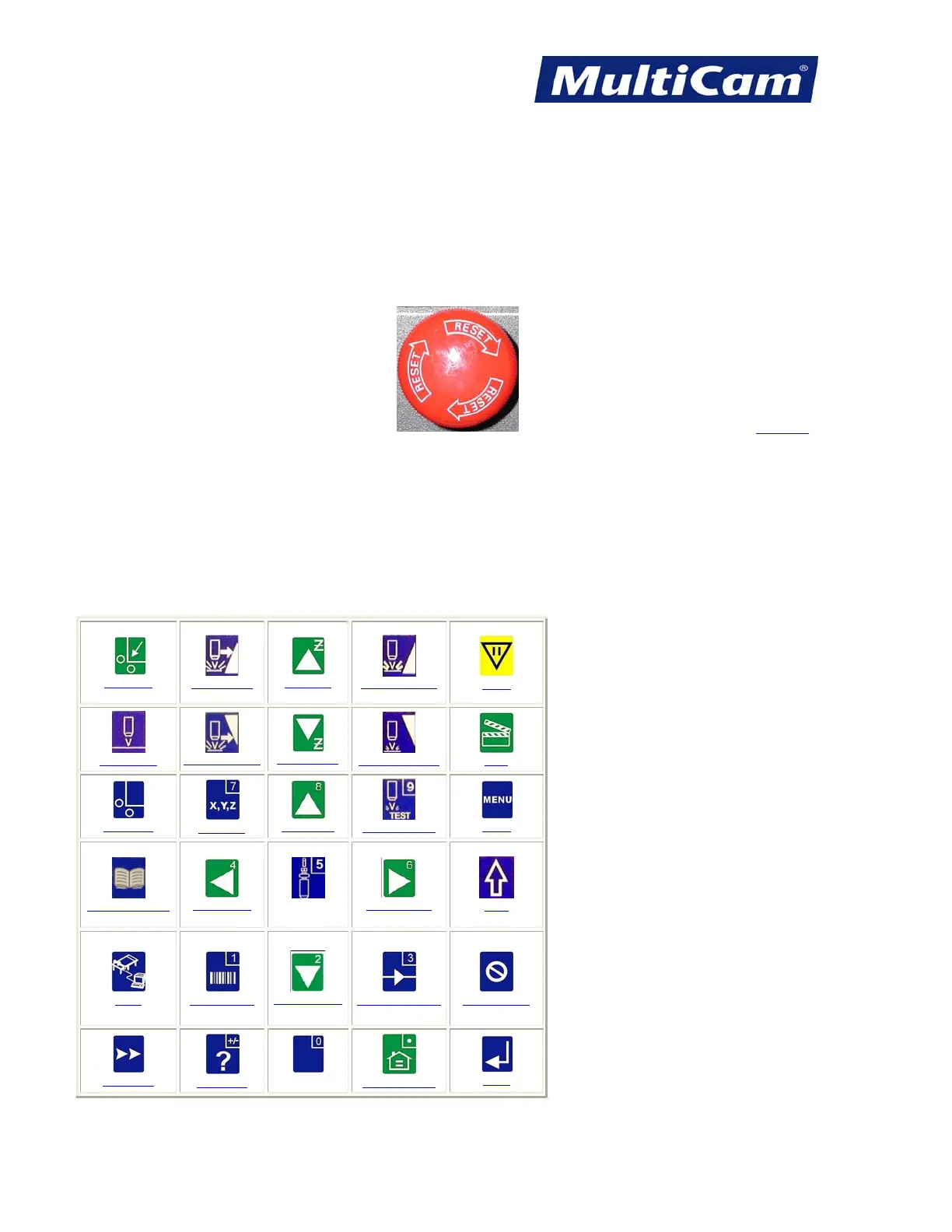
Emergency Stop (E-Stop)
Pressing Emergency Stop (E-Stop) on either the handheld keypad or at the side of the gantry cuts power to
everything except the control board of the unit, which will go into Emergency Stop mode and cut power to the
inverter. This causes the spindle to coast to a stop, a process that may take several minutes. All job setup
information is erased from the system, and operators should wait at least 2 minutes before engaging the machine
and applying power to the motors. The E-Stop button must be pulled out when the main power switch is turned
on.
Keypad
Hot Keys for the Laser
Hot Keys are the keys on the MultiCam Handheld Keypad which access functions without using the Menu
System. The operator can access different aspects of the system using the Hot Keys, which are listed under
Normal Hot Key Functions and Shifted Hot Key Functions.
Normal Hot Key Functions (as shown on keypad)
Go Home
Feedrate Up
Jog Z Up
Increase Power
Pause
Set Surface
Feedrate Down
Jog Z Down
Decrease Power
Start
Set Home
Move (7)
Jog Up (8)
Single Fire (9)
Menu
Material Library
Jog Left (4)
5
Jog Right (6)
Shift
DNC
Bar Code (1)
Jog Down (2)
Drive Enable (3)
Cancel (Exit)
Jog Speed
Help (+/-)
0
Soft Homes (.)
Enter
Routers * Lasers * Plasma * WaterJets * Knife Cutters
www.MultiCam.com v. 11 10



 To Next Page