MI
48
Innovation. Quality. Performance. Best in Industry. Worldwide.
Rip Cut
The Rip Cut function is used to manually cut wherever the machine is Jogged so that the operator can remove
excess material or even cut out simple shapes if desired.
1. Set up the system as if a normal file is to be executed (e.g., Material Library, Cut Height, Lift Height, and
X & Y Feedrate). It is not necessary to set home as the cut will begin at the current X,Y location of the
cutting head.
2. Press Jog Arrows
to position the cutting head in the desired start position.
3. Press Menu to access the menu system.
4. Press X-axis Jog Arrows
until Cut_Utils is highlighted in blue.
5. Press Enter
to access the Cut Utilities sub-menu.
6. Press X-axis Jog Arrows
until RipCut is highlighted in blue.
7. Press Enter
to access the Rip Cut function.
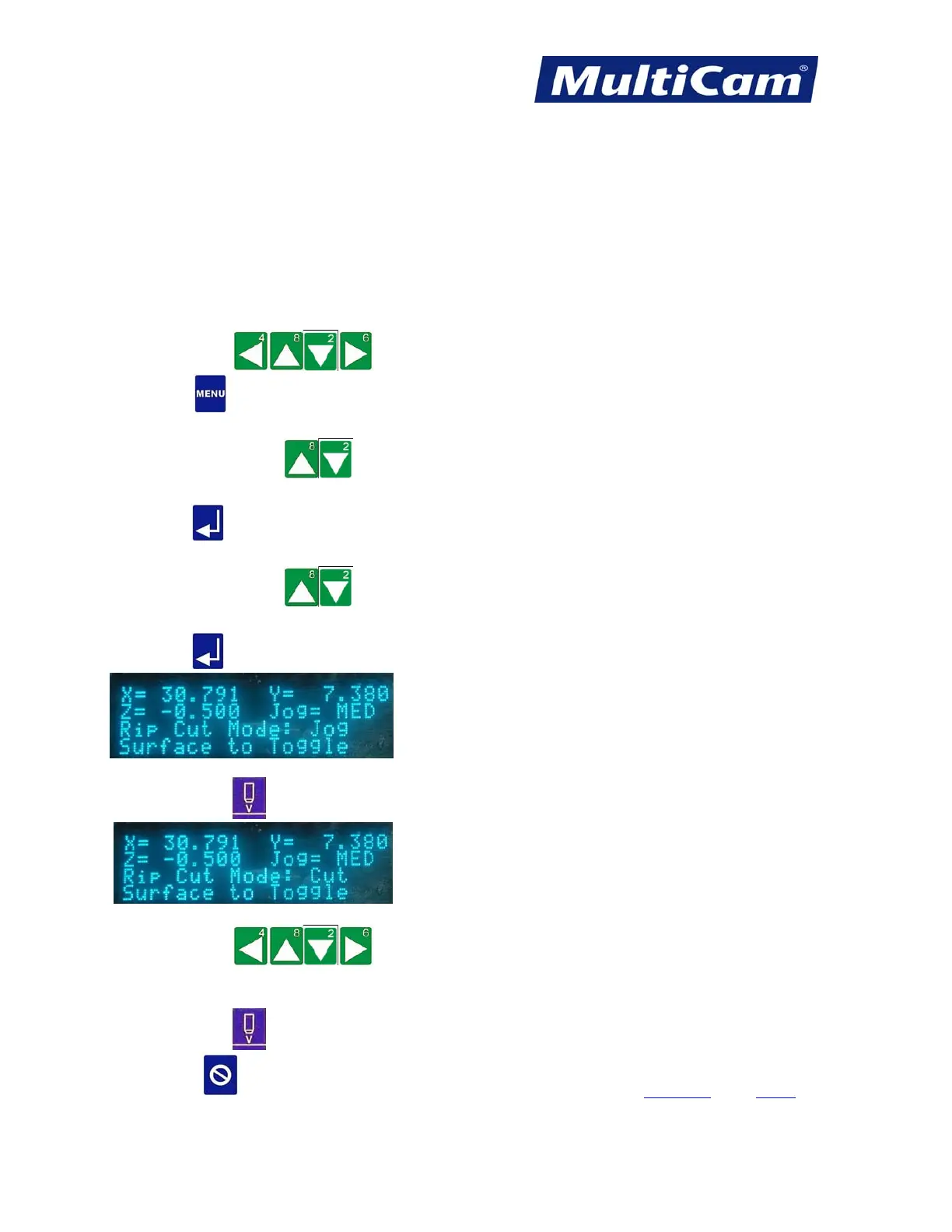
8. Press Set Surface
to toggle between Jog and Cut.
9. Press Jog Arrows
to start moving the head assembly, which will plunge into the
material after reaching the programmed RPM. The head assembly will cut for as long as the Jog arrow is
depressed.
10. Press Set Surface
again and as needed to toggle between Jog and Cut.
11. Press Cancel
to exit the Rip Cut mode. Cut_Utils Menu
Routers * Lasers * Plasma * WaterJets * Knife Cutters
www.MultiCam.com v. 11 10



 To Next Page