KF
18
Innovation. Quality. Performance. Best in Industry. Worldwide.
Soft Homes (.)
The Soft Homes function allows the operator to have multiple fixture setups to be quickly accessed during the
cutting procedure. This button also allows the operator to input a decimal into a numeric value.
1. Press Soft Homes (.)
.
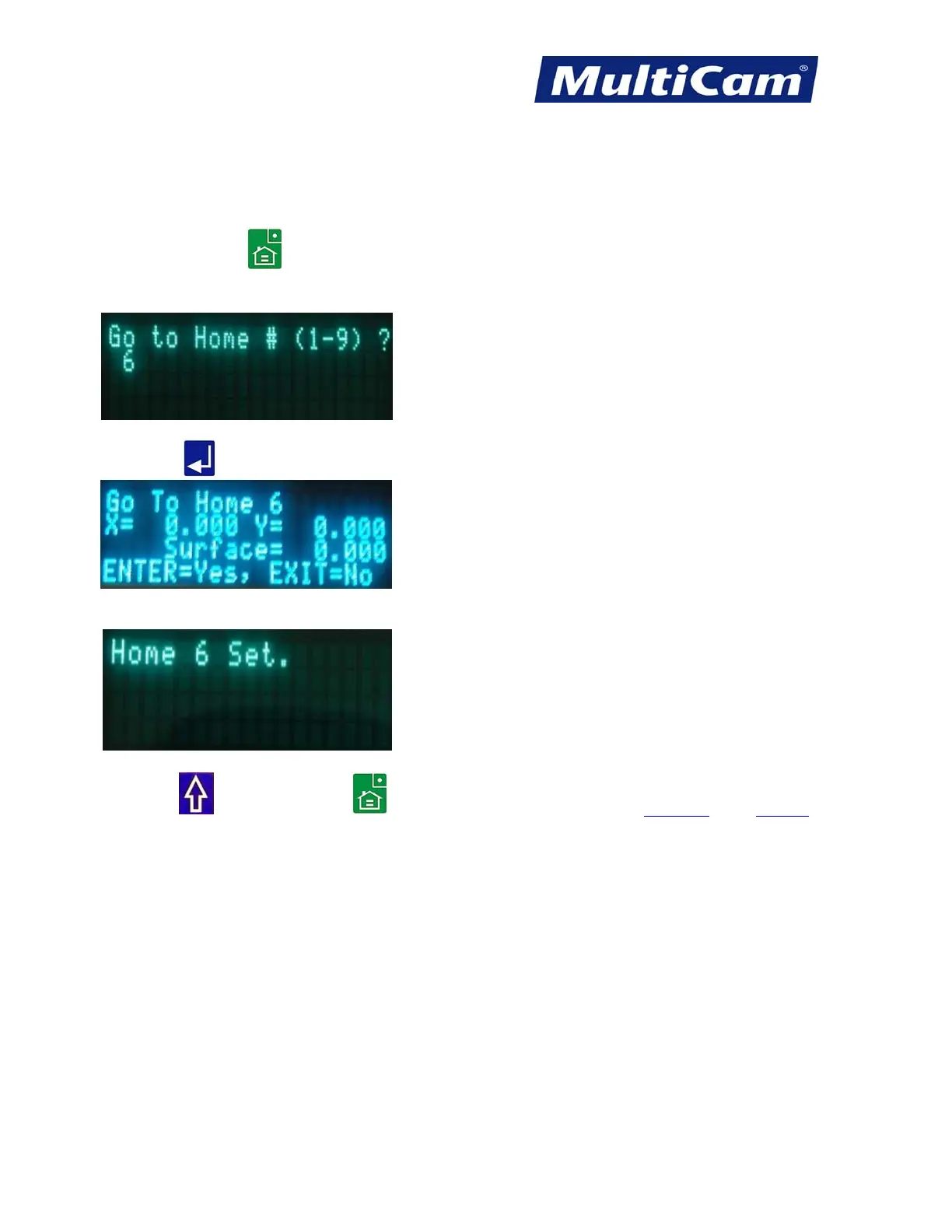
2. Enter the appropriate number (1-9) to assign the proper value for the new home position (e.g., 6).
3. Press Enter
to accept the soft home.
The display will acknowledge that the particular home position has been selected.
4. Press Shift
and Soft Homes (.) to set new soft home locations. Hot Keys Keypad
Routers * Lasers * Plasma * WaterJets * Knife Cutters
www.MultiCam.com v. 11 10



 To Next Page