MI
69
Innovation. Quality. Performance. Best in Industry. Worldwide.
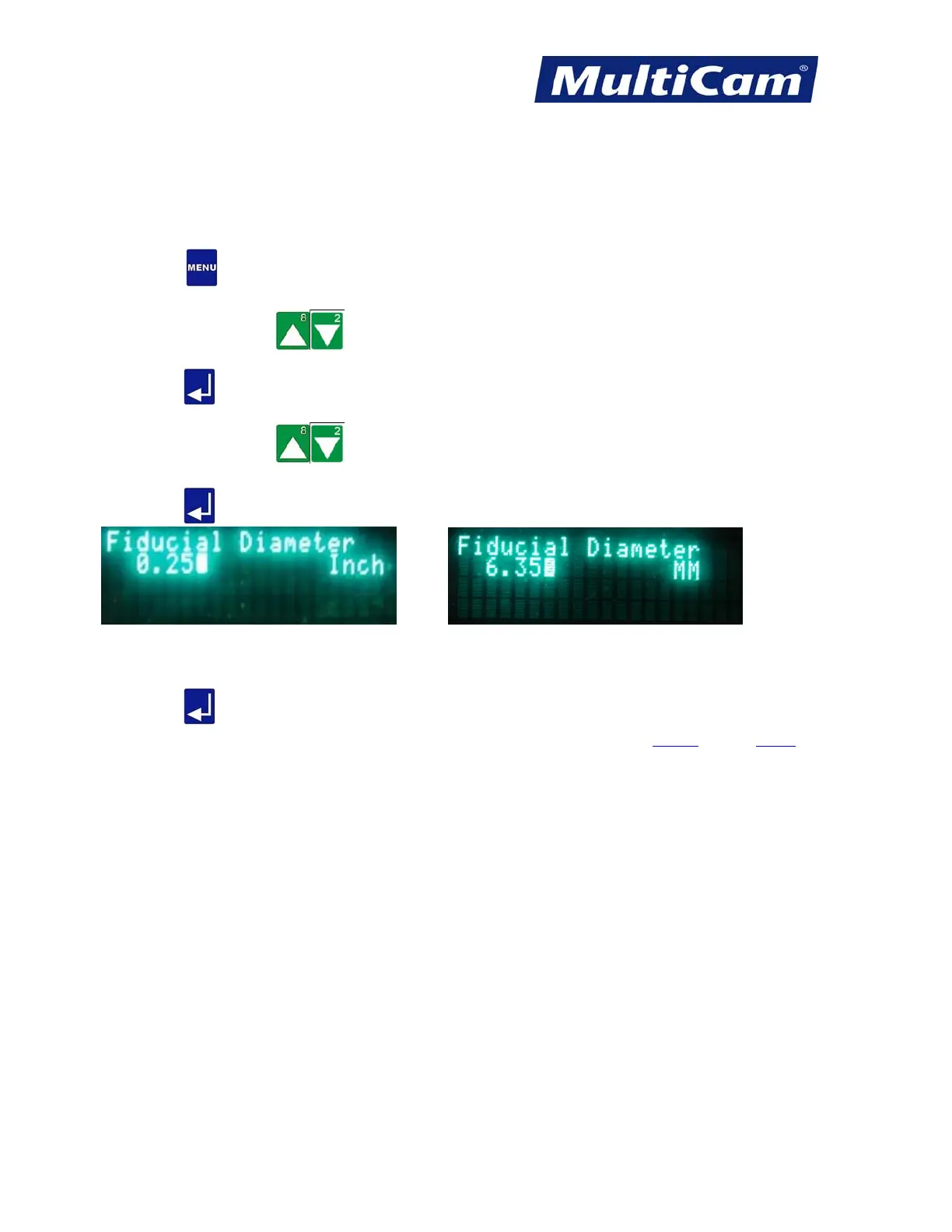
Fiducial Diameter
The Fiducial Diameter function is used to inform the system as to the size of the fiducial when the system is
searching. This diameter can be set up in either inches or millimeters.
1. Press Menu
to access the menu system.
2. Press X-axis Jog Arrows
until Vision is highlighted in blue.
3. Press Enter to access the Vision sub-menu.
4. Press X-axis Jog Arrows until Fiducial Diameter is highlighted in blue.
5. Press Enter
to adjust the Fiducial Diameter.
or
6. Enter the value using the number keypad (e.g., 0.250).
7. Press Enter
to save the Fiducial Diameter and return to the Vision sub-menu.
Vision
Menu
Routers * Lasers * Plasma * WaterJets * Knife Cutters
www.MultiCam.com v. 11 10



 To Next Page