MI
32
Innovation. Quality. Performance. Best in Industry. Worldwide.
Surface Mode
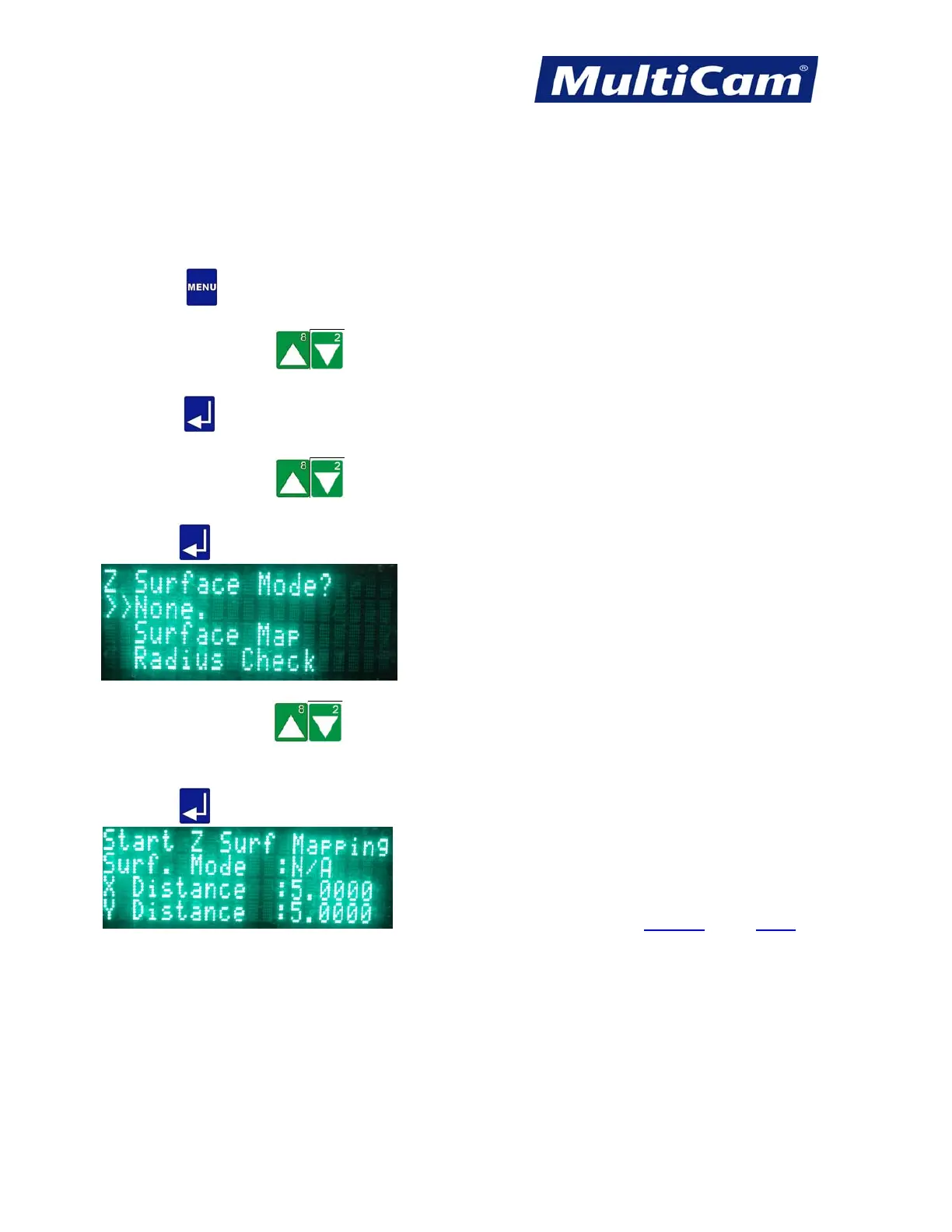
The Surface Mode function is used to move between no surface mode, Surface Map, and Radius Check. The
operator can access different sub-menu items for each type of surface mode, though these directions will deal with
the surface mode None.
1. Press Menu
to access the menu system.
2. Press X-axis Jog Arrows
until SurfMap is highlighted in blue.
3. Press Enter
to access the SurfMap sub-menu.
4. Press X-axis Jog Arrows
until Surf. Mode is highlighted in blue.
5. Press Enter
to select the type of surface mode (e.g., None).
6. Press Z-axis Jog Arrows
to move between the types of modes. The double arrows indicate which
mode is selected.
7. Press Enter
to set the system for that mode. The SurfMap sub-menu will show the mode selected.
SurfMap Menu
Routers * Lasers * Plasma * WaterJets * Knife Cutters
www.MultiCam.com v. 11 10



 To Next Page