MI
61
Innovation. Quality. Performance. Best in Industry. Worldwide.
Laser Cal
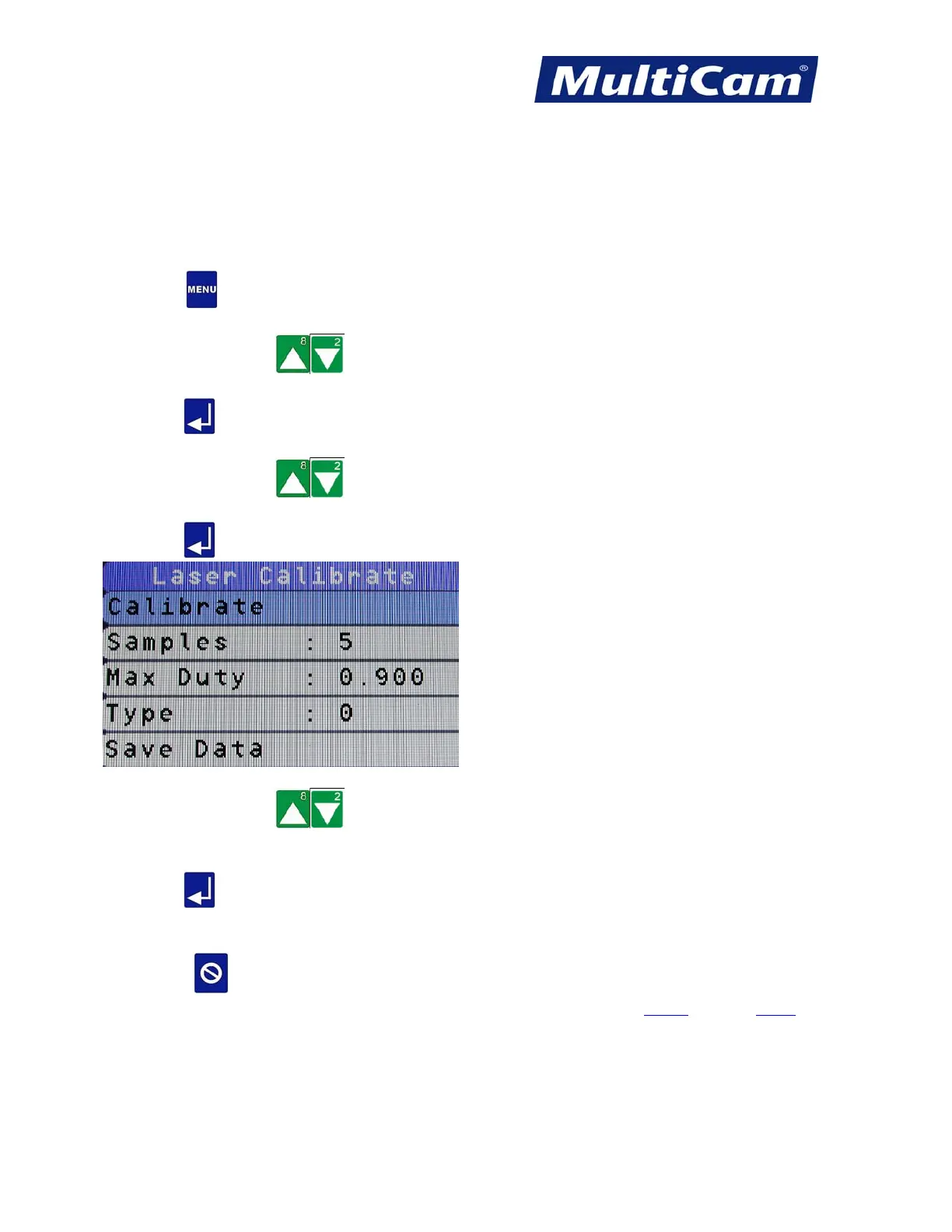
The Laser Calibration function allows the operator to gauge the wattage being used during the cutting sequence.
A power meter is needed to complete this function, and operators are encouraged to periodically run the Laser Cal
process to maintain the system.
1. Press Menu
to access the menu system.
2. Press X-axis Jog Arrows
until Utility is highlighted in blue.
3. Press Enter
to access the Utility sub-menu.
4. Press X-axis Jog Arrows
until Laser Cal is highlighted in blue.
5. Press Enter
to access the Laser Cal sub-menu.
6. Press X-axis Jog Arrows until the appropriate option is highlighted. The recommended number of
samples is 10 with a frequency of 12KHz for a more accurate setting.
7. Press Enter
to begin the calibration process. The value is then stored in the controller until changed by the
operator.
8. Press Cancel
to return to the Utility sub-menu.
Utility Menu
Routers * Lasers * Plasma * WaterJets * Knife Cutters
www.MultiCam.com v. 11 10



 To Next Page