MI
60
Innovation. Quality. Performance. Best in Industry. Worldwide.
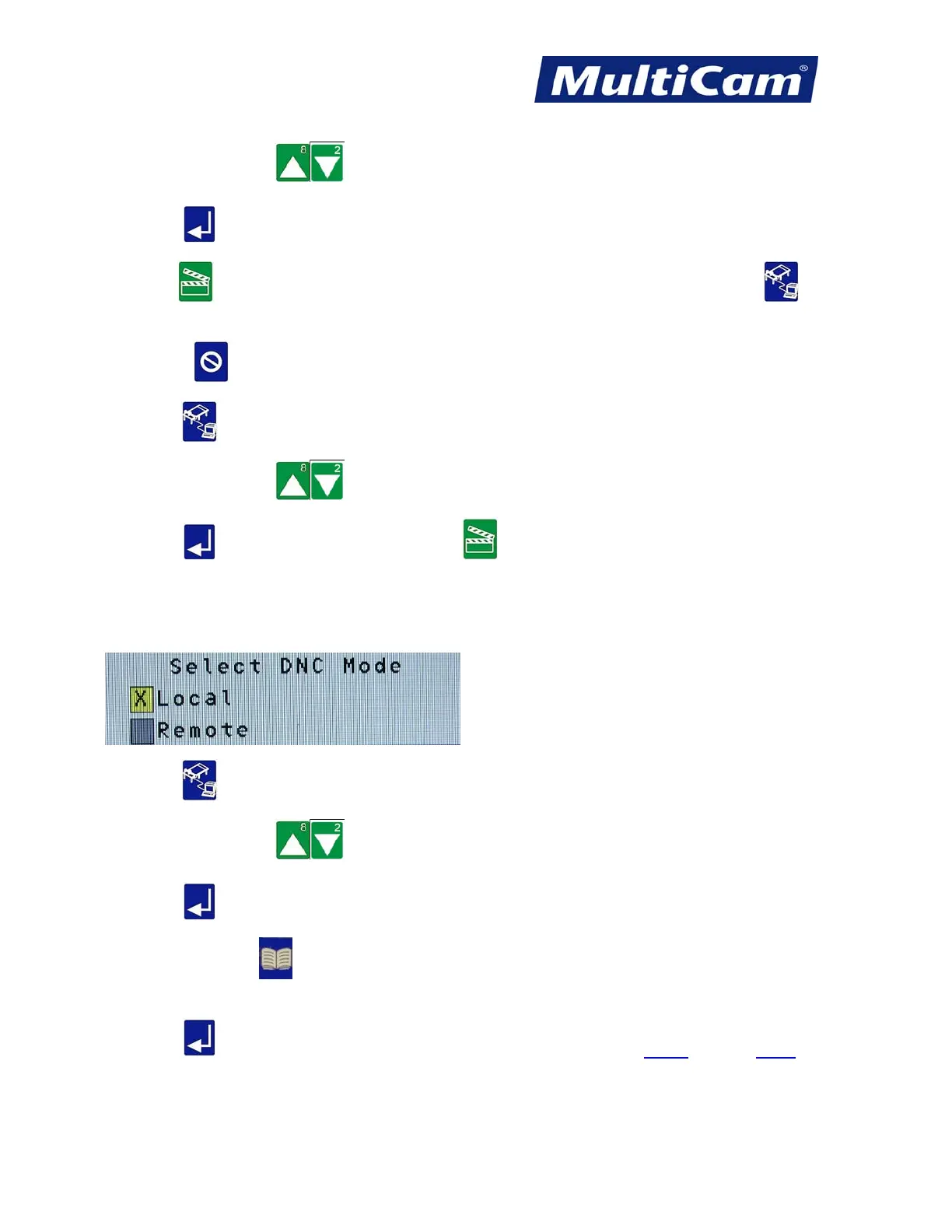
3. Press X-axis Jog Arrows until the particular job file to be saved to the controller is highlighted in
blue.
4. Press Enter to accept the job file.
5. Press Start to save the file to the controller. The operator can access the file from the DNC function
at the keypad.
6. Press Cancel to return to the Utility sub-menu.
7. Press DNC to access the files available from the controller.
8. Press X-axis Jog Arrows until the particular job file to be run is highlighted in blue.
9. Press Enter to access the job file and then Start to execute the job file.
Deleting Files from Controller DNC
1. Make sure the DNC mode is set for local.
2. Press DNC to access the list of job files available in the controller.
3. Press X-axis Jog Arrows until the particular job file to be deleted from the controller is highlighted
in blue.
4. Press Enter to access the job file.
5. Press Material Library to set the system to delete the job file.
6. Press Enter to delete the job file. Utility Menu
Routers * Lasers * Plasma * WaterJets * Knife Cutters
www.MultiCam.com v. 11 10



 To Next Page