KF
5
Innovation. Quality. Performance. Best in Industry. Worldwide.
Feedrate Override
The Feedrate Override function allows the operator to adjust the X,Y travel of the machine and to change speeds
from as little as 10% to as much as 100%. This affects the feedrate or cut speed when the laser is moving through
the material. The Feedrate Override has no effect when the machine is executing a rapid move above the material.
The cut speed will be shown on the keypad display as a percentage of the actual speed: Feed%= ###. The
Feedrate Override determines the percentage by which the operator adjusts the cut speed.
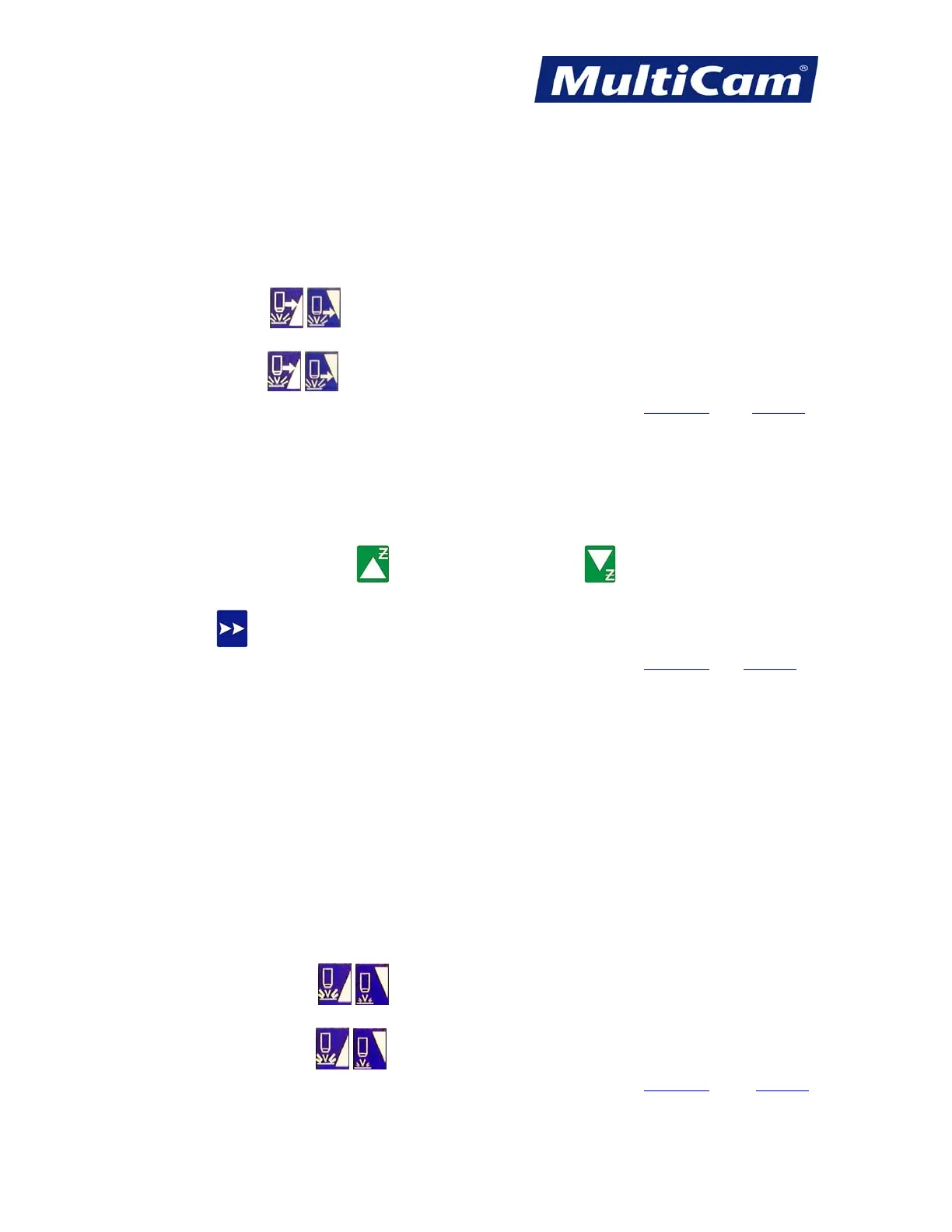
1. Press Feedrate Override
to adjust the feedrate in 1% increments when a file is being executed on the
machine.
2. Hold Feedrate Override
to adjust the feedrate in faster moving 1% increments when a file is being
executed on the machine. Hot Keys
Keypad
Jog Z-axis
1. Press and hold Z-axis Up Jog Arrow or Z-axis Down Jog Arrow to raise or lower the head assembly.
2. Press Jog Speed to increase or decrease the Jogging speed of the head assembly.
Hot Keys
Keypad
Increase / Decrease Power
The Increase/Decrease Power Override allows the operator to control the percentage of laser power being used.
The actual power used depends on the specific laser. The laser power can be adjusted while a file is being
executed, and the current laser power will be shown on the keypad display as Pwr=####.
The laser power will be set to the new value whenever the system receives a new laser power command, either
automatically while a file is being executed or manually when the operator uses the Hot Keys.
1. Press Increase/Decrease Power
to adjust the laser power by 1% increments.
2. Hold Increase/Decrease Power
to adjust the laser power by faster moving 1% increments.
Hot Keys
Keypad
Routers * Lasers * Plasma * WaterJets * Knife Cutters
www.MultiCam.com v. 11 10



 To Next Page