KF
24
Innovation. Quality. Performance. Best in Industry. Worldwide.
Drive Disable
The X-, Y-, and Z-axis drives will be disabled in the event of a system failure or a mechanical obstruction to
prevent possible damage to the individual drives. The operator also has the ability to disable the drives from the
keypad. Once the drives have been disabled, the machine cannot be operated by using the keypad.
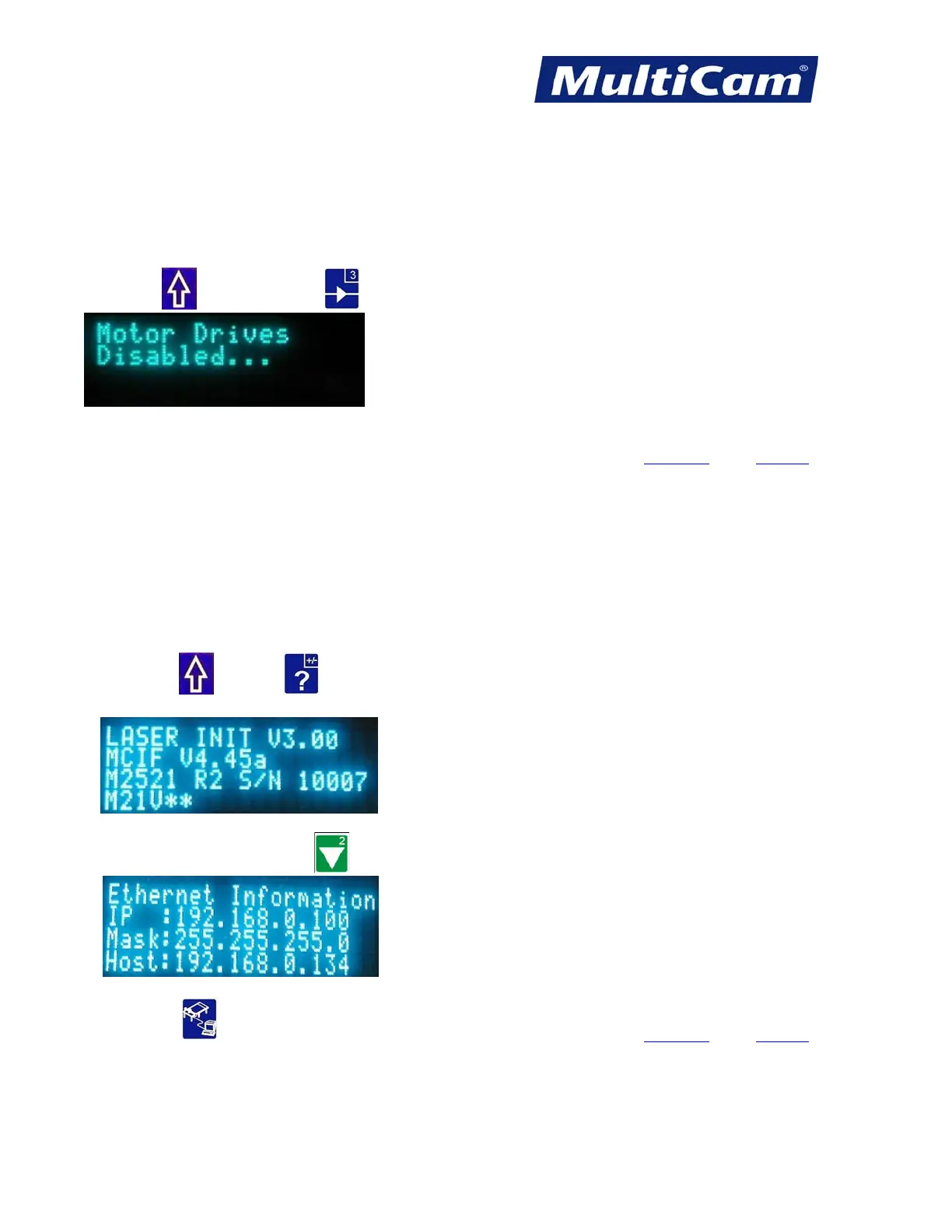
Press Shift
and Drive Enable to disable all drives.
When the drives associated with servo systems are disabled, the power to the motors is also disabled. The motors
associated with stepper systems still have power after the drives are disabled, but there is no output from the
control board. Hot Keys
Keypad
Controller Information
The Controller Information function provides information on the versions of software that are loaded in the
controller.
1. Press Shift
and Help to display the controller information. This includes the version of machine Init
files and firmware, as well as the types of Interface and Control boards.
2. Press X-axis Down Jog Arrow
to access Ethernet information while viewing the controller information.
3. Press DNC to change the IP address if necessary. Hot Keys Keypad
Routers * Lasers * Plasma * WaterJets * Knife Cutters
www.MultiCam.com v. 11 10



 To Next Page