MI
3
Innovation. Quality. Performance. Best in Industry. Worldwide.
Params_2D
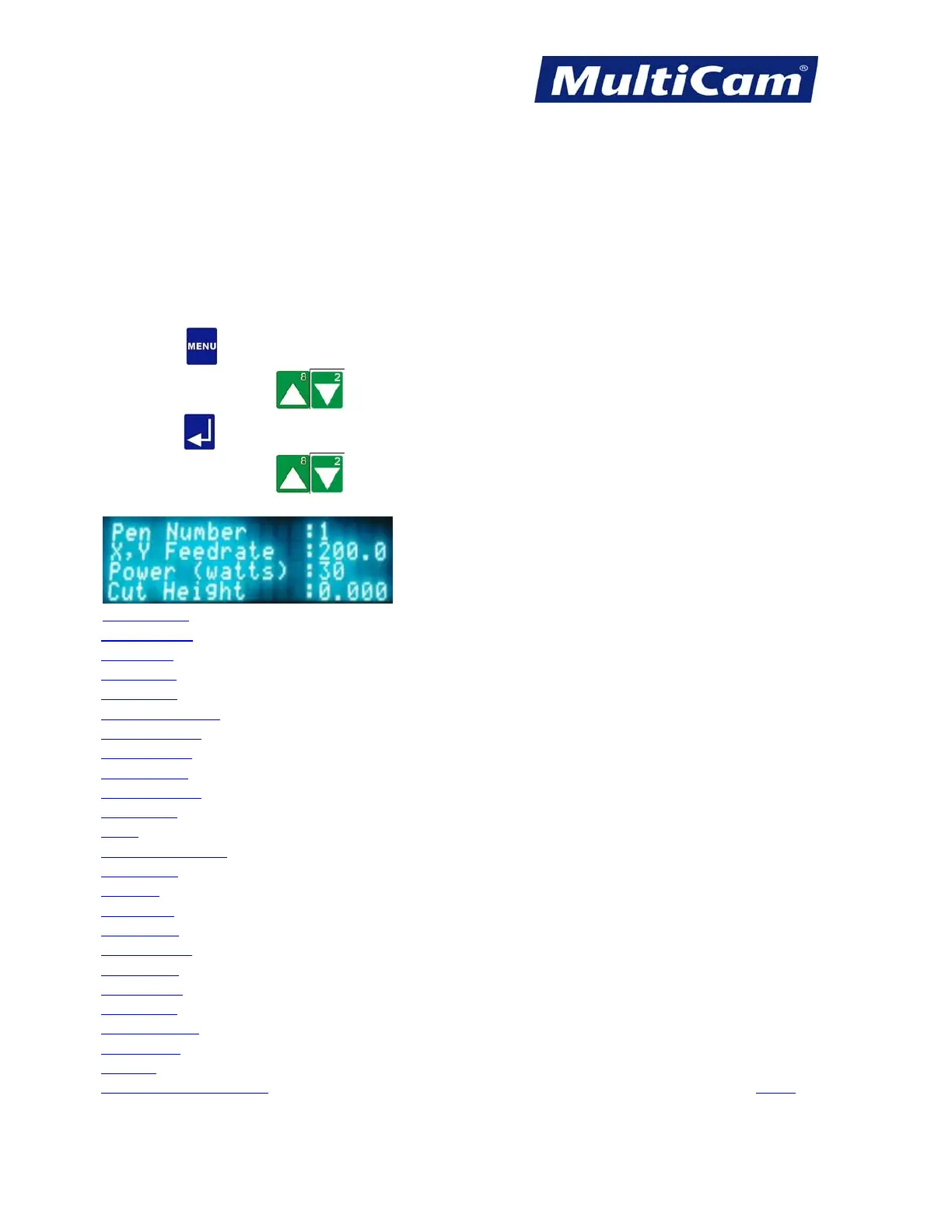
The Params_2D sub-menu is used to set machine parameters specific to a machine equipped with a laser. The
display extends 4 rows, so the operator must Jog down to see additional menu items. These sub-menu items allow
the machine to be set to certain specifications for cutting different materials or removing waste material.
The default settings for the current material are read from the Material Library. If any values are changed, the
operator is prompted to update and change the library with the new values. Some of these settings may not apply
to all Laser systems.
1. Press Menu to access the menu system.
2. Press X-axis Jog Arrows
until Params_2D is highlighted in blue.
3. Press Enter to access the Params_2D sub-menu.
4. Press X-axis Jog Arrows
until the appropriate option is highlighted in blue. Certain menu items will
then enter a sub-menu with more selections.
Pen Number
X,Y Feedrate
Cut Power
Cut Height
Lift Height
Pierce Gas Delay
Cut Gas Delay
Pierce Power
Pierce Time
Power Control
Min Power
VPPI
Min. PWM Factor
Bidir Coef.
Contrast
Brightness
Kerf Diam.
Kerf Overlap
Laser Freq.
Cont. Wave
Z Tracking
Tactile Sensor
THC Delay
Settings
Update Material Library
Menu
Routers * Lasers * Plasma * WaterJets * Knife Cutters
www.MultiCam.com v. 11 10



 To Next Page