FS
22
Innovation. Quality. Performance. Best in Industry. Worldwide.
Restarting GenV Lasers after Activation of Interlocks
The Interlocks are located inside the gantry front cover beside the latches and work as a precautionary measure
during regular operations. If the gantry front cover is opened during operation, the system will pause motion and
close the shutter. Operators may continue the job file after the activation of the Interlocks by following these
instructions.
1. Close the gantry front cover.
2. Press Cancel
to exit the Interlock screen.
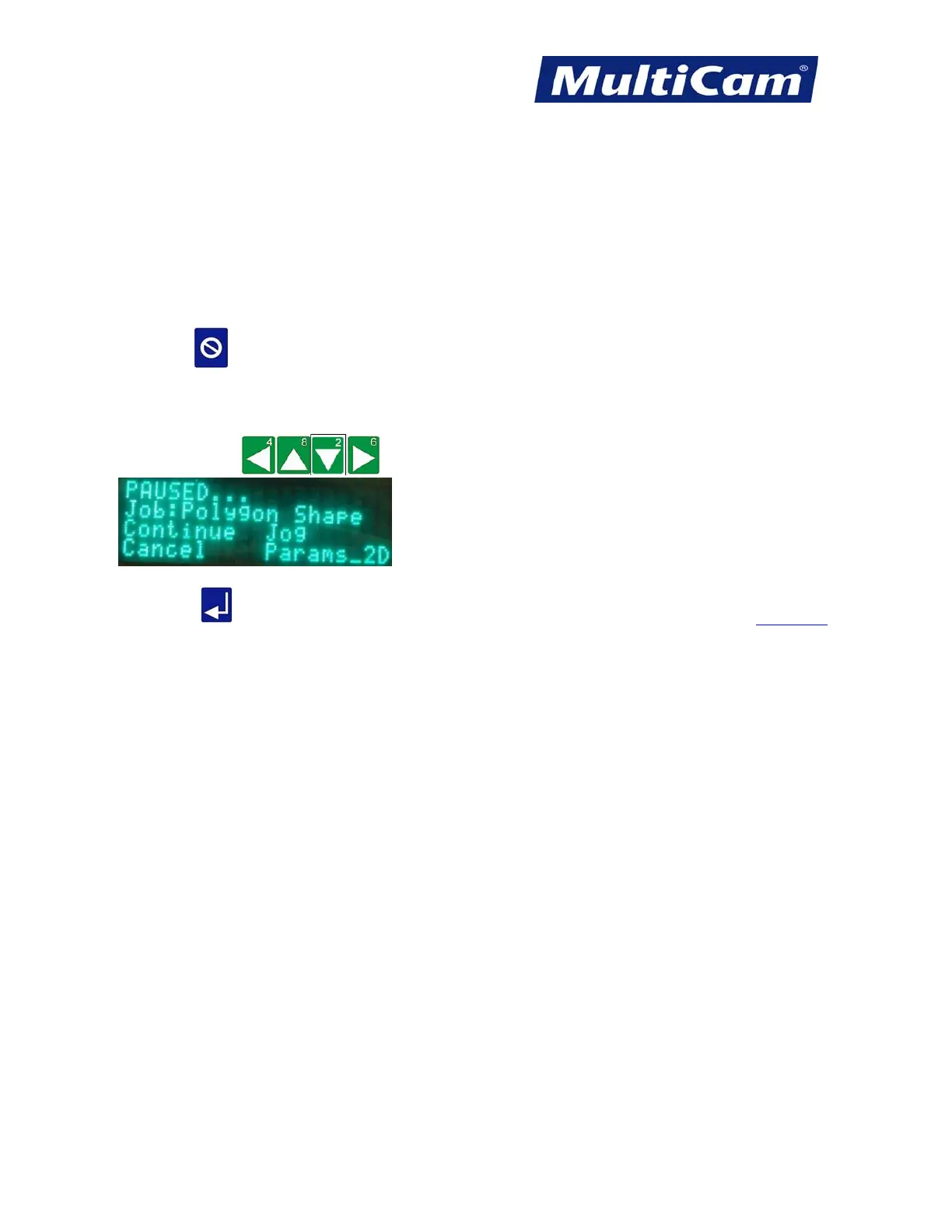
3. Continue the job file once the Interlocks have been properly secured.
a. Press Jog Arrows
until the blinking cursor is over the “C” in Continue.
b. Press Enter
to continue the job file. Fast Starts
Routers * Lasers * Plasma * WaterJets * Knife Cutters
www.MultiCam.com v. 11 10



 To Next Page