KF
15
Innovation. Quality. Performance. Best in Industry. Worldwide.
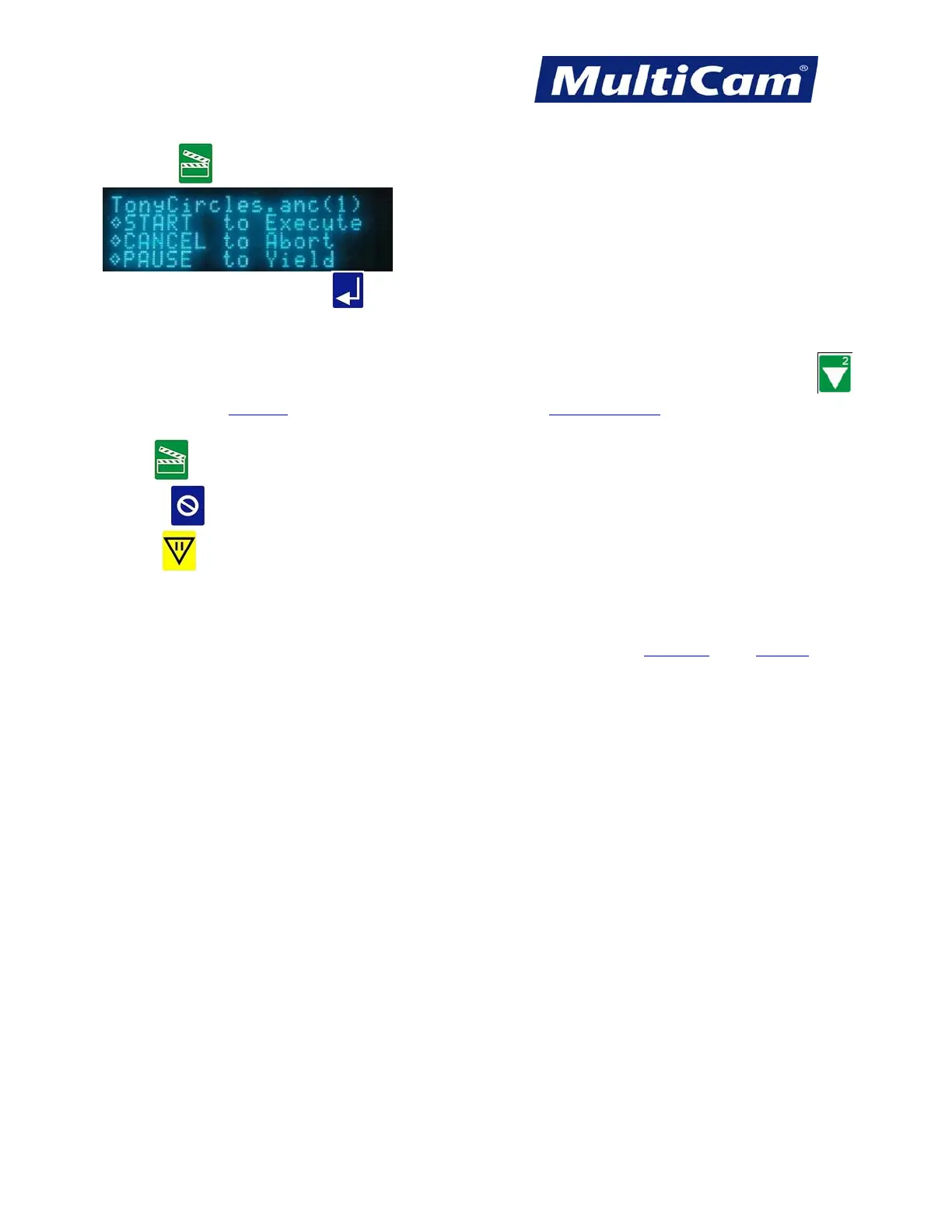
6. Press Start .
If the operator just presses Enter
over the blinking cursor, he or she will only receive a display of the file
name, size, and date/time created.
7. Press one of the following Hot Keys to execute the required command or press X-axis Down Jog Arrow
once to access the Dry Run
function and once more to access the Step and Repeat function.
a. Start
will execute the selected job file.
b. Cancel
will end the selected job file.
c. Pause
will allow the operator to change a tool, set up a 2D parameter, or set surface or max depth while
holding the file in queue.
Once the file has completed running, the keypad display will show how long the selected file ran and will
automatically return to the directory. Hot Keys
Keypad
Routers * Lasers * Plasma * WaterJets * Knife Cutters
www.MultiCam.com v. 11 10



 To Next Page