PAGE 60 — RX1575 SERIES TRENCH ROLLER • OPERATION MANUAL — REV. #0 (04/28/15)
80 Rammax 1575
1230047 | 21.06.2013
9.11 Functional check
9.11.1 Scrapers
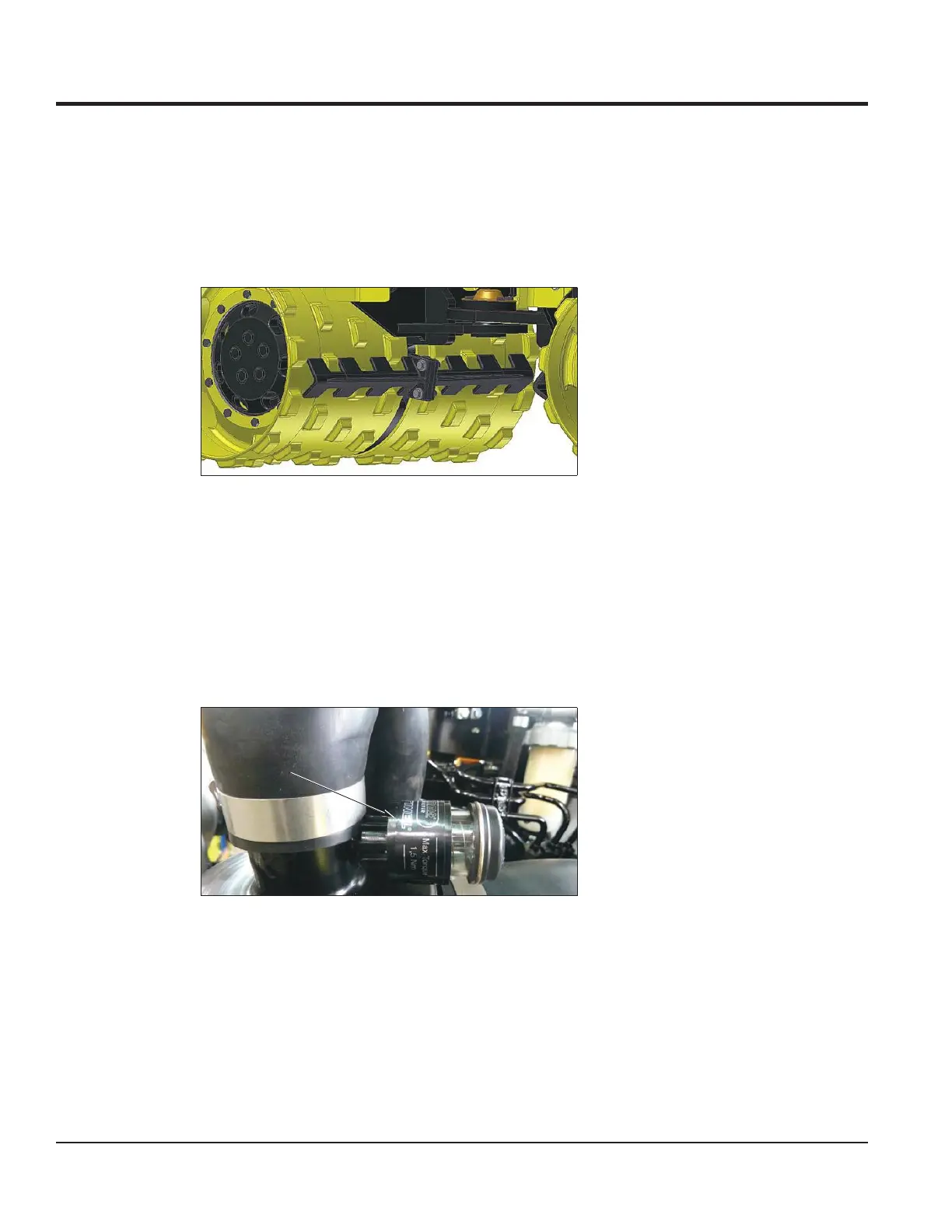
640 and 850 1 Before driving, adjust the roller drum scraper so that there is a clearance of
about 5mm between the roller drum and the scraper.
Fig. 9-22 Roller drum scraper
9.11.2 Air-intake filter
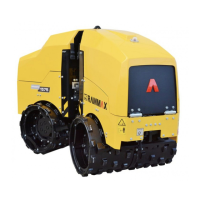
Soiling indicator 1 If a red ring appears on the soiling display (1) during operation of the roller, you
must:
2a clean the air filter cartridge,
3a or replace it.
Fig. 9-23 Soiling indicator
Air filter cartridge The air filter is located on the left side of the engine.
1 Remove the wing nut (1) with the cover.
2 Remove the wing nut (2) from the air filter cartridge.
3 Remove the air filter cartridge (3).
4 Check the air filter cartridge for:
1
MAINTENANCE



 To Next Page