User’s Guide ValueJet 1304
Troubleshooting
110 AP-75780 - Revision 1.3
Step 8: Register a set value for Bi-D Quality (two-way printing/quality priority mode).
Display the Adjust Print menu in the same way as in step 5.
Press + or – to select "Adj.5: Bi-D Quality".
Press Enter.
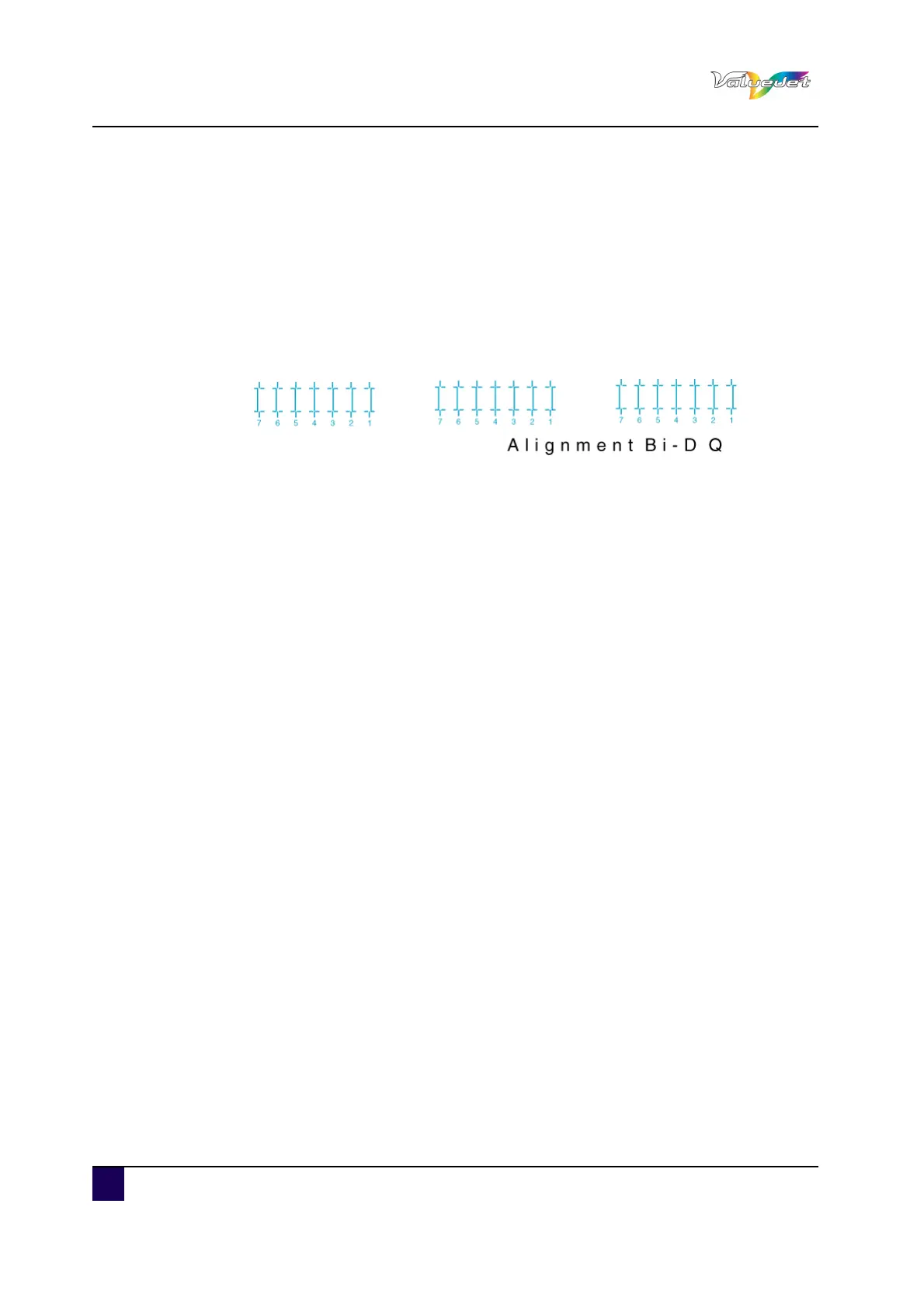
Start Bi-D Quality pattern printing.
Check three print samples that printed with Bi-D Quality pattern, and select the
number that is not out of alignment.
"4" is selected in the next printing sample.
Press + or – to enter the number that you selected in step d.
Press Enter.
The set value for Bi-D Quality is registered.
The operation panel returns to Normal.
Step 9: Register the setting for Bi-D Normal (two-way printing/normal mode) in the same
way as in step 8.















 To Next Page