User’s Guide ValueJet 1304
Handling the printer
AP-75780 - Revision 1.3 47
4
Step 2: Perform an initial adjustment print.
Press ENTER.
“FeedLenght: 250mm” is displayed.
Press ENTER.
“Printing” is displayed.
Start Initial adjustment printing.
When the initial adjustment printing is complete, the printer enters the Normal
status.
After the initial adjustment printing, cut the media.
Refer to “Cutting media on page91
”
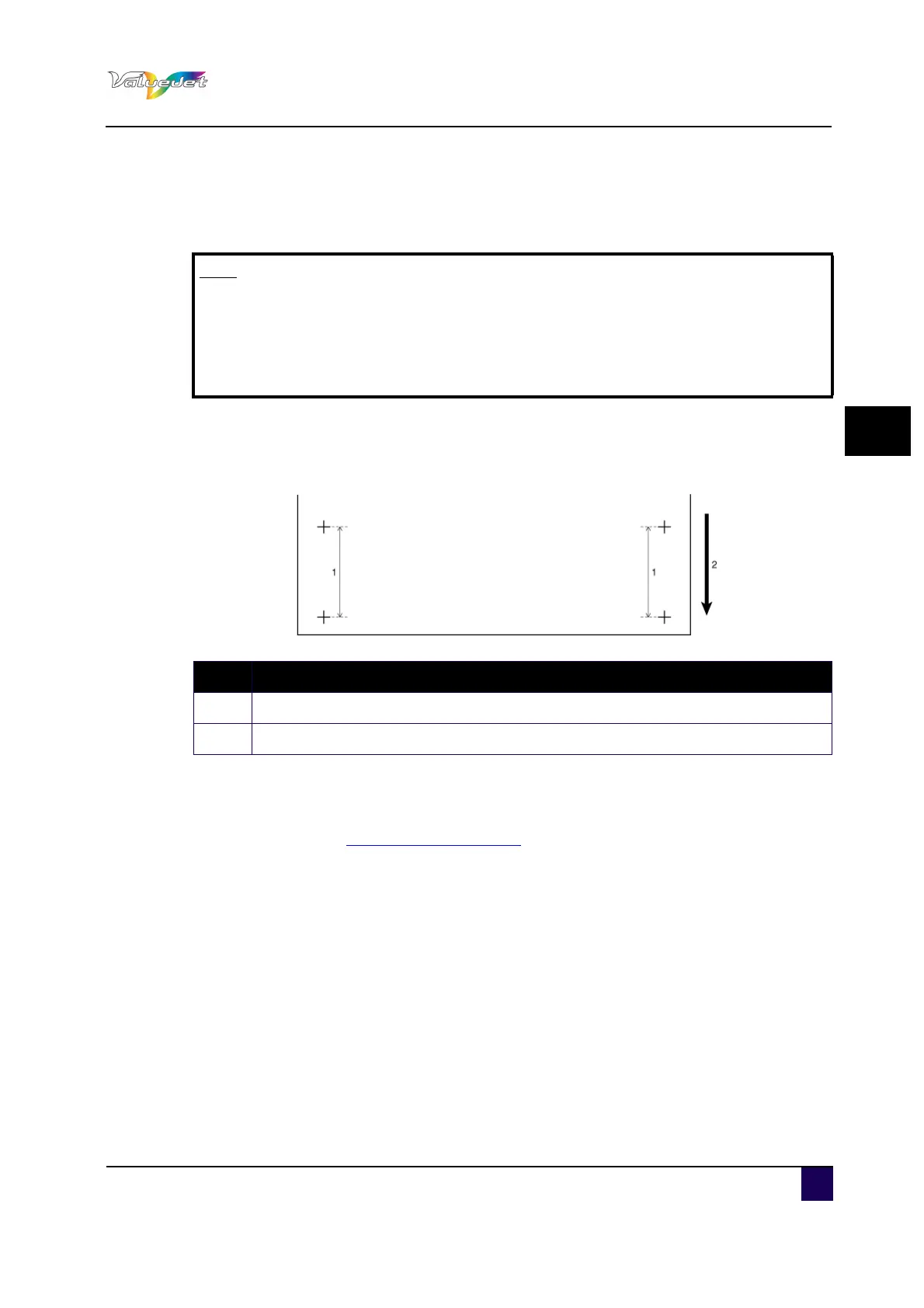
Step 3: Measure the distance between the two pluses in the initial adjustment print using a
ruler.
Step 4: Sets up Initial Adjust Change.
Press + or – to select "PF2: Initial Change".
Press Enter.
"Init.: 250.0/250 mm" is displayed.
Press + or – and enter the measured value in step 3.
Press Enter.
The initial adjustment value is saved.
"PF2: Initial Change" is displayed.
Note
The length of media that is fed for the initial adjustment print is normally set to
250 mm.
If you increase the feeding length, the accuracy of the media feed
compensation improves.
To change the feeding length, press the [+] or [-] key and change the set value.
N° Description
1 Feed length
2 Media feeding direction















 To Next Page