User’s Guide ValueJet 1304
Handling the printer
AP-75780 - Revision 1.3 93
4
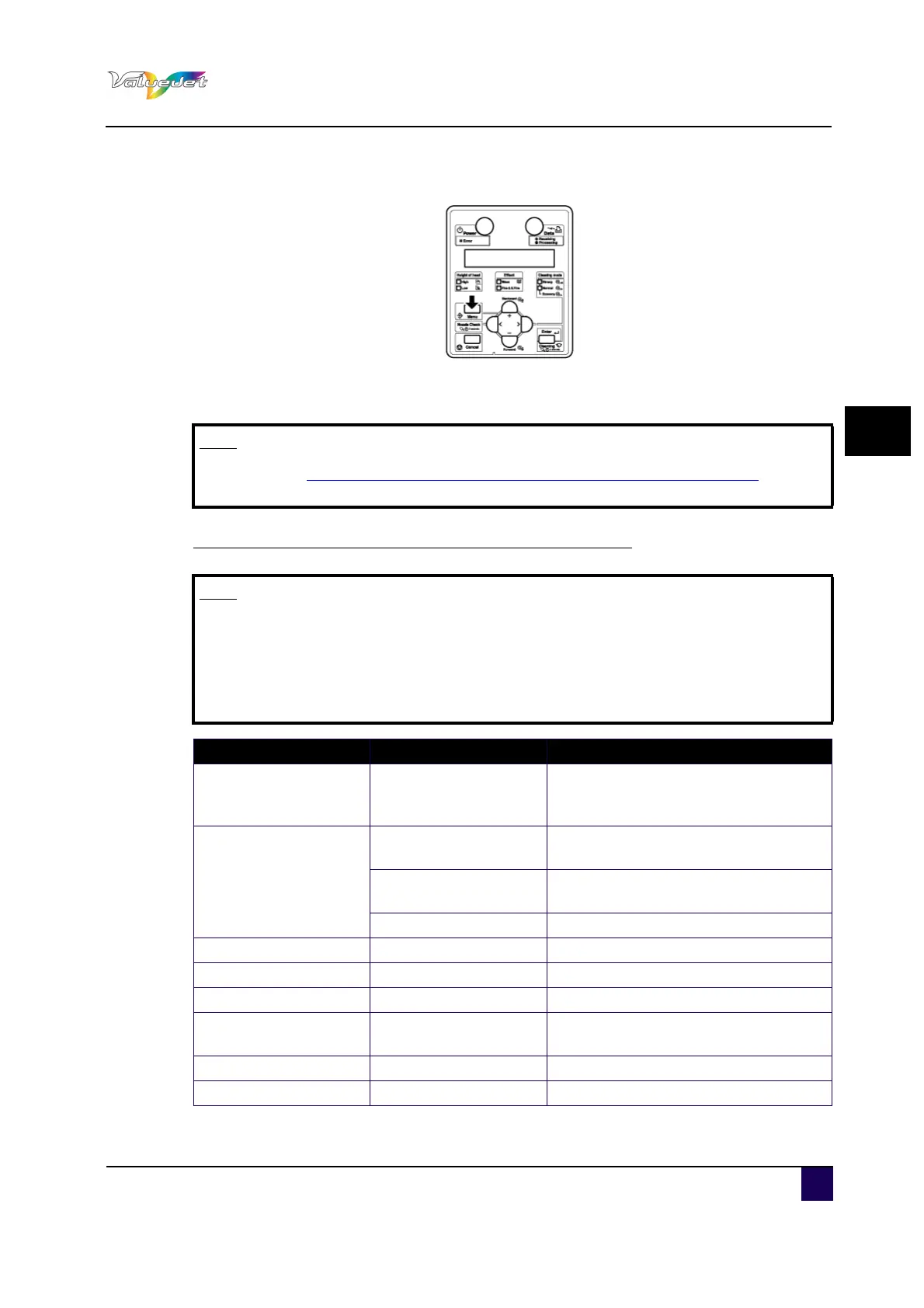
Step 2: Press Menu.
"Menu 1: Print Start" is displayed.
Step 3: Press + or – to change or confirm settings.
Settings that can be changed or confirmed while printing
Note
Refer to Settings that can be changed or confirmed while printing on page93 for more
information on this topic.
Note
The Print start menu is displayed only when the printer is warming up.
When you change a setting during operation, be sure to select "Backup" to
save the setting that you changed.
If the printer returns to Normal without selecting “Backup”, the changed
setting is not saved.
Setup item Setting Description
Print Start —
Enter: If the heater temperature does
not reach the set value during
warming-up, printing starts.
Temperature
Pre
Check the current Pre Heater
temperature.
Platen
Check the current Platen Heater
temperature.
After Check the current Drier temperature.
Pre Heater Off / 30 °C to 50 °C Change the Pre Heater temperature.
Platen Heater Off / 30 °C to 50 °C Change the Platen Heater temperature.
After Heater Off / 30 °C to 50 °C Change the Drier temperature.
PF Adjust
–20 pulse to 0 to 20
pulse
Change the feed adjustment value.
Backup — Enter: Save the changed setting.
— Cancel: The printer returns to Normal.















 To Next Page