Before using VJ-1624X/1624WX/1924WX OPERATION MANUAL
84 3.4 Loading media
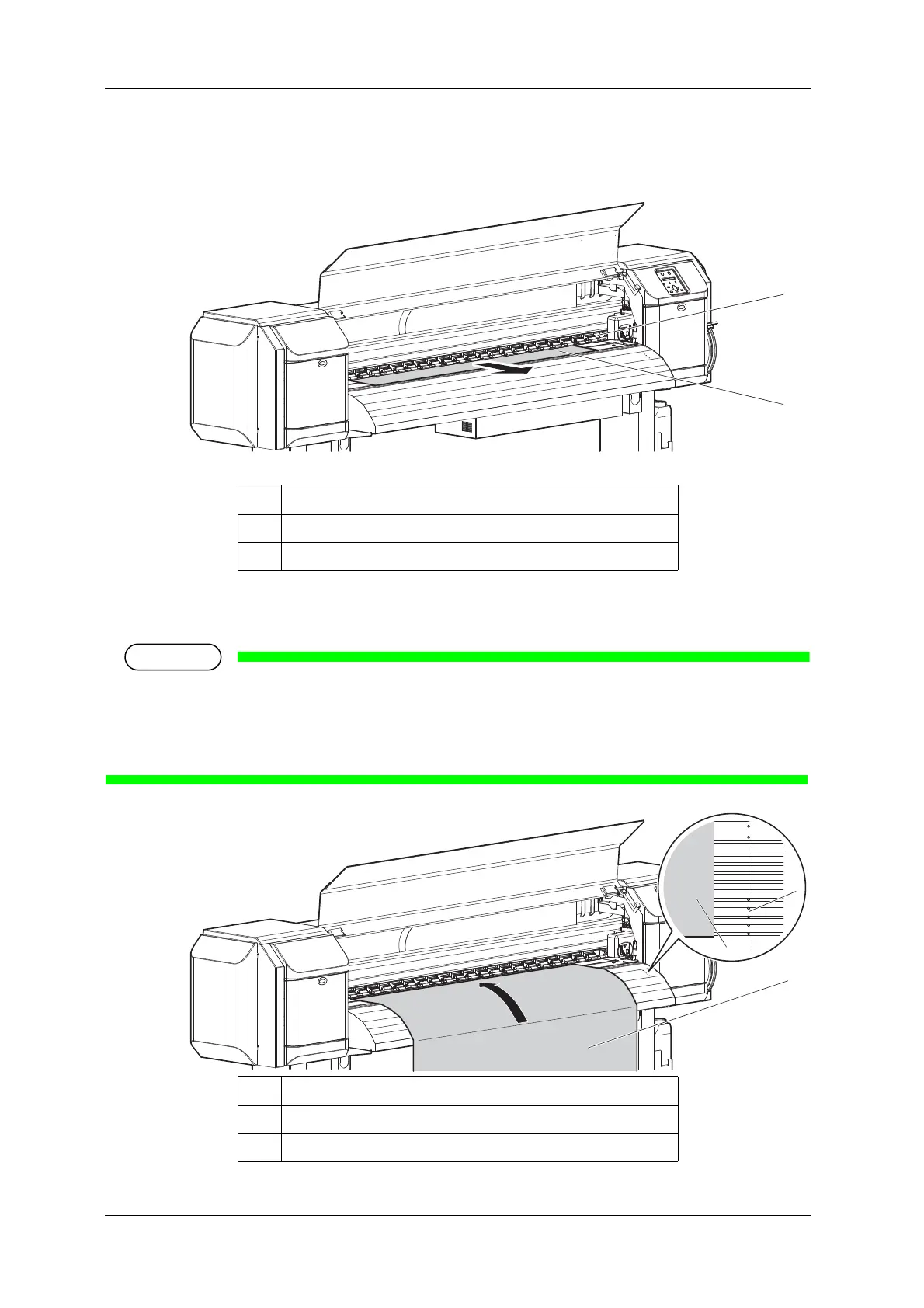
5. Pull the roll media out about 1 m from the front Media feed slot which is located inside of Front
cover.
6. Rewind the roll media a little by rolling Flange on Roll media holder while holding the edge of the
media, and eliminate any slack or slant.
• If you set the roll media free while rewinding, the roll media may fall out from Media feed slot and
fall toward the back of the printer.
• Confirm that the right edge of the roll media does not go beyond the loading mark.
If it does, it may affect print quality.
No. Name
1 Roll media
2Media feed slot
No. Name
1 Roll media
2 Media loading mark















 To Next Page