5 Menu Key
116 Pulse Laser Station NPL-302 Series Instruction Manual
Introduction 5.1
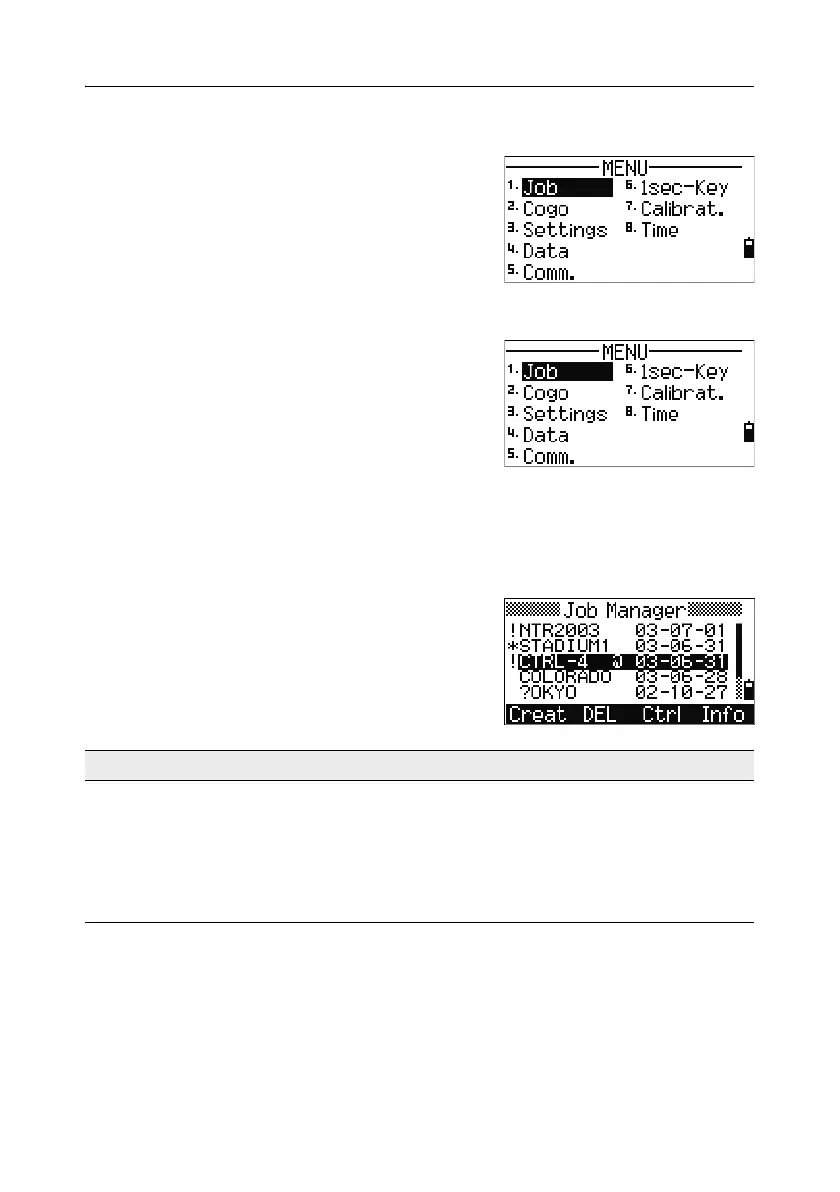
Use the MENU screen to access important
functions and settings.
To display the MENU screen, press the
[MENU] key.
Job Manager 5.2
Use the job manager to open, create, delete, and
manage jobs. To open the Job Manager, press
[1] or
select
Job on the MENU screen.
If there are jobs stored on the instrument, the job
list appears, showing all the stored jobs. The
newest job appears at the top of the list.
If there are no jobs stored, the Create Job screen appears. See Creating a new job,
page 117.
Opening an existing job 52.1
The job list shows all the jobs stored on the
instrument, in descending date order.
The following symbols may be used to provide
extra information about jobs:
Press
[^] or [v] to move up or down the job list. Press [ENT] to open the highlighted job.
When you open a job, all job settings are automatically changed to match those used
in the open job.
Symbol Meaning
* Current job.
@ Control job.
! Some of the job settings are different from the current job.
? Job was created in an older DB. Older files cannot be opened in
version 1.10 or later of the software.



 To Next Page