Getting Started 3
Pulse Laser Station NPL-302 Series Instruction Manual 59
When a reflected lightwave is detected, the signal level is
indicated.
Measuring distances 31.2
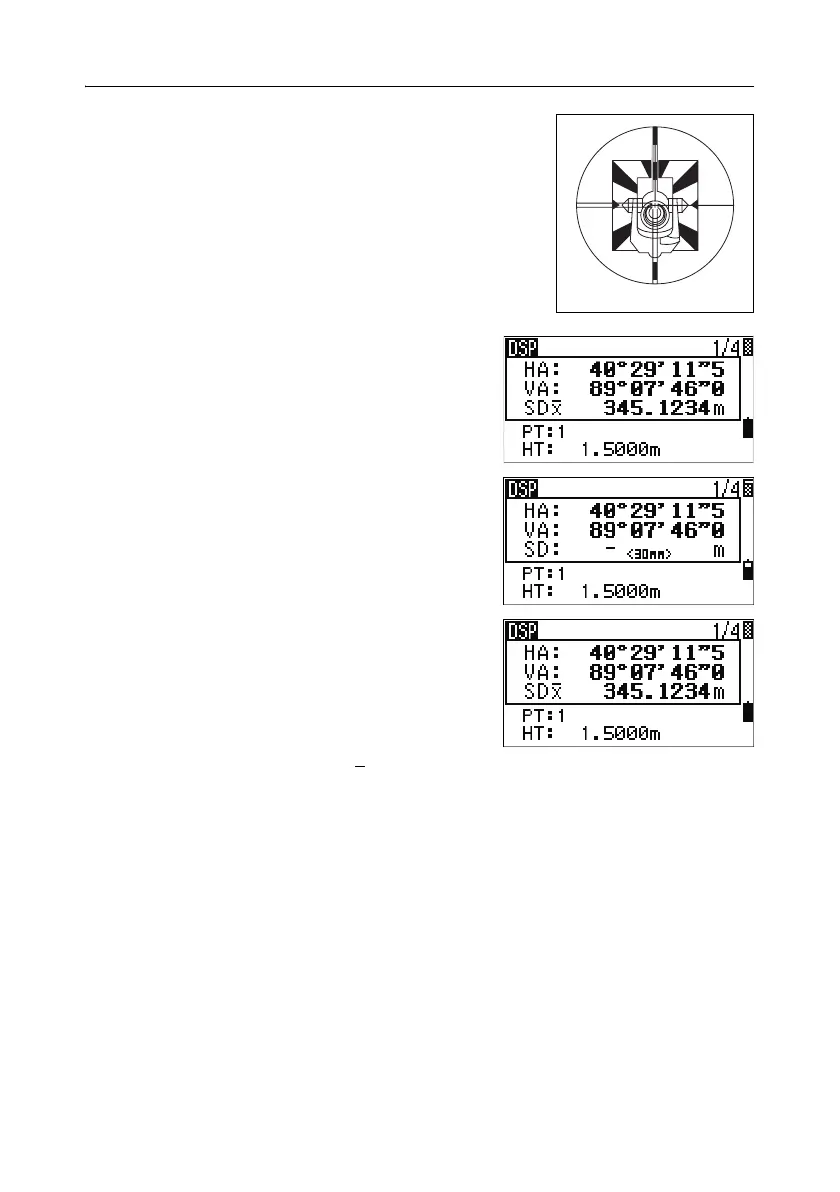
To take a distance measurement, press [MSR1] or
[MSR2] in the Basic Measurement Screen (BMS) or
in any observation screen.
While the instrument is taking a measurement, the
prism constant appears in a small font.
If the average count is set to 0, measurements are
taken continuously until you press
[MSR1], [MSR2],
or
[ESC]. Each time a measurement is taken, the
distance is updated.
If the average count is set to a value from 1 to 99,
the averaged distance appears after the last shot.
The field name SD changes to SDx
to indicate the
averaged data.
Sighting a tiltable single prism



 To Next Page