Menu Key 5
Pulse Laser Station NPL-302 Series Instruction Manual 141
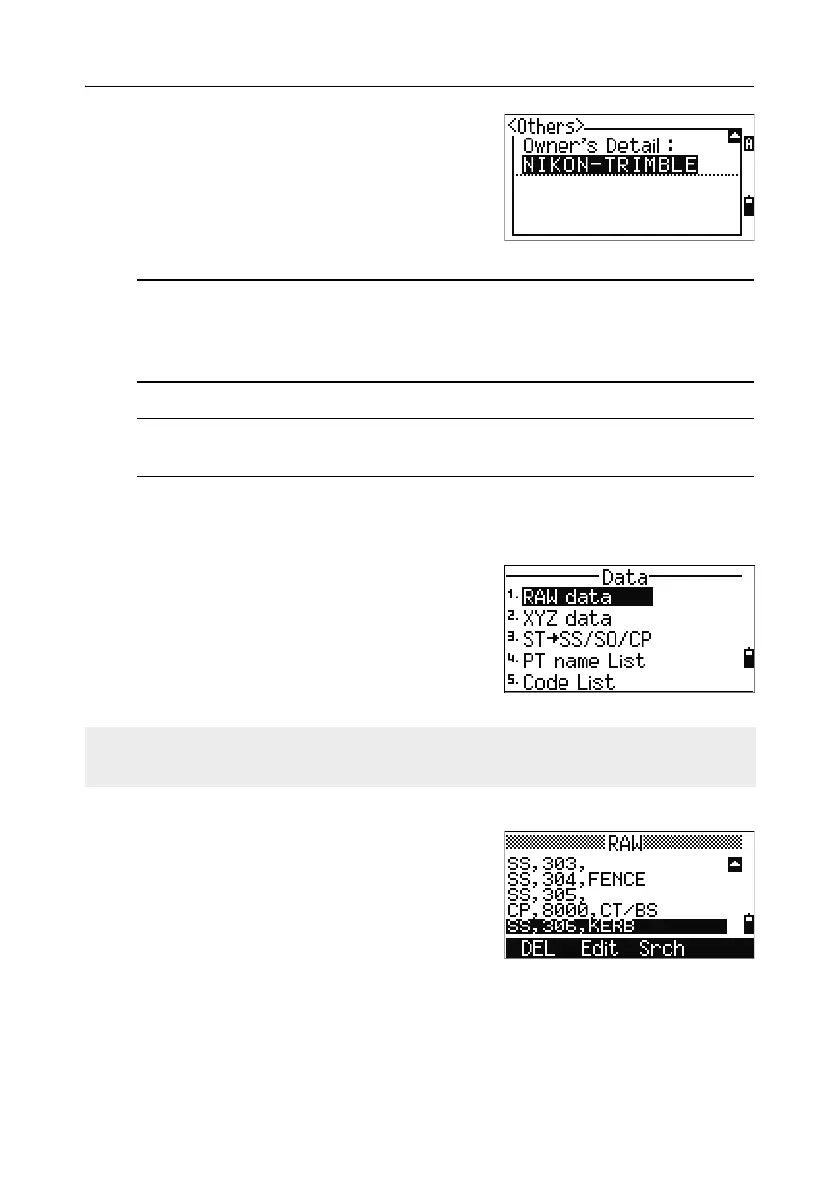
Owner’s Detail Up to 20 characters
Enter your name or the name
of your company. If you enter
a value in this field, it
appears at start-up.
B
Tip – To provide easier configuration for common regional settings, you can
quickly configure the Nikon total station to a pre-set combination of default
regional settings. For more information, see Changing Regional Configuration
Pre-sets, page 31.
B
Tip – The Nikon total station supports up to 3 languages on the instrument.
For more information on changing the language settings, see page 30.
Data 5.2
Use the Data menu to view or edit records. To
display the Data menu, press
[4] on the MENU
screen.
Viewing records 52.1
Viewing raw data
To show the raw data records in a list, press [1] on
the Data menu screen.
When you first view the raw data, the last four
raw records in the current job are displayed. Use
[^] or [v] to scroll through the records.
You can view data at any time, even in an observation screen or while entering
points.



 To Next Page