Applications 4
Pulse Laser Station NPL-302 Series Instruction Manual 77
Checking and resetting the backsight direction 40.1
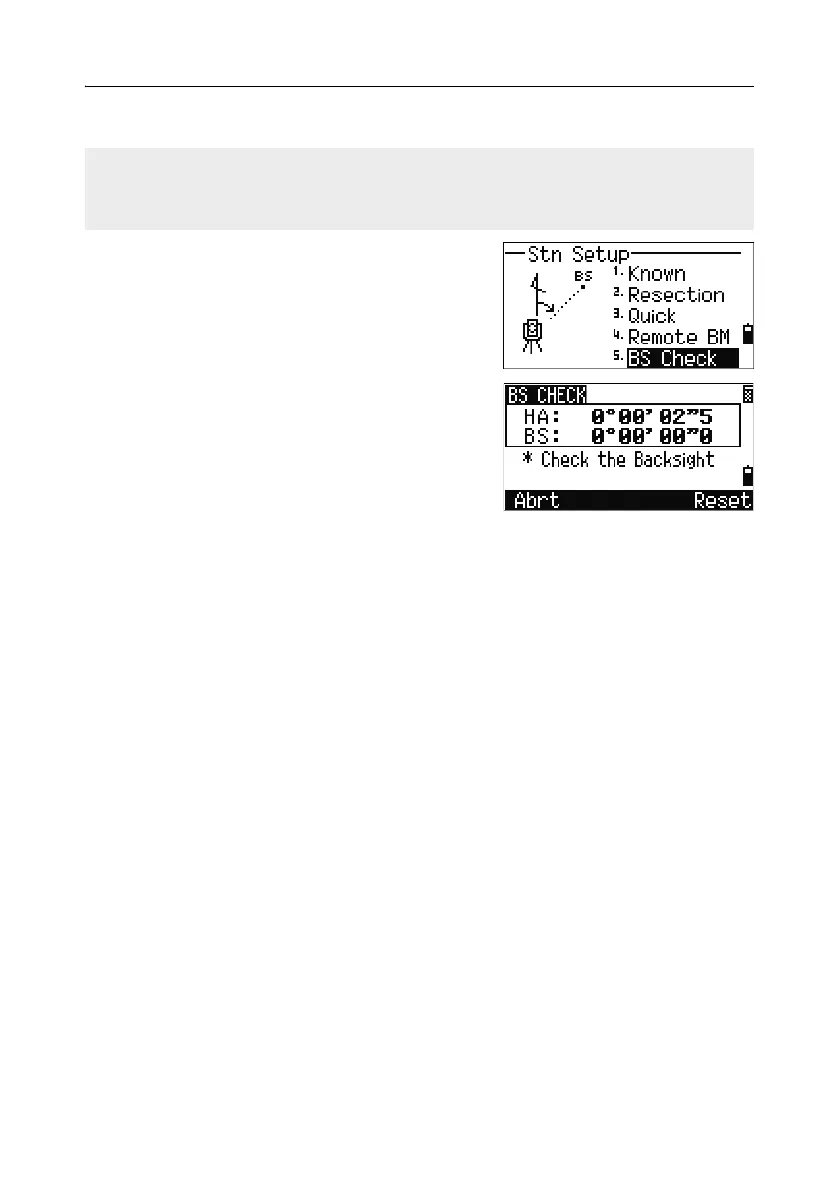
1. To enter the backsight (BS) check function,
press
[5] or select BS Check in the Stn Setup
menu.
HA Current HA reading
BS The HA to the BS in the last station
setup. Enter station coordinates for
observations without recording data
2.
Do one of the following:
– To reset the horizontal angle to the HA set
in the last station setup sight the BS and press the
Reset softkey or press
[ENT].
– To cancel the process and return to the BMS, press the
Abrt softkey or
press
[ESC].
You must complete a station setup before you use the BS check function.
This function always refers to the backsight point from the last ST record stored in
the current open job.



 To Next Page