Getting Started 3
Pulse Laser Station NPL-302 Series Instruction Manual 29
Turning off the instrument 30.1
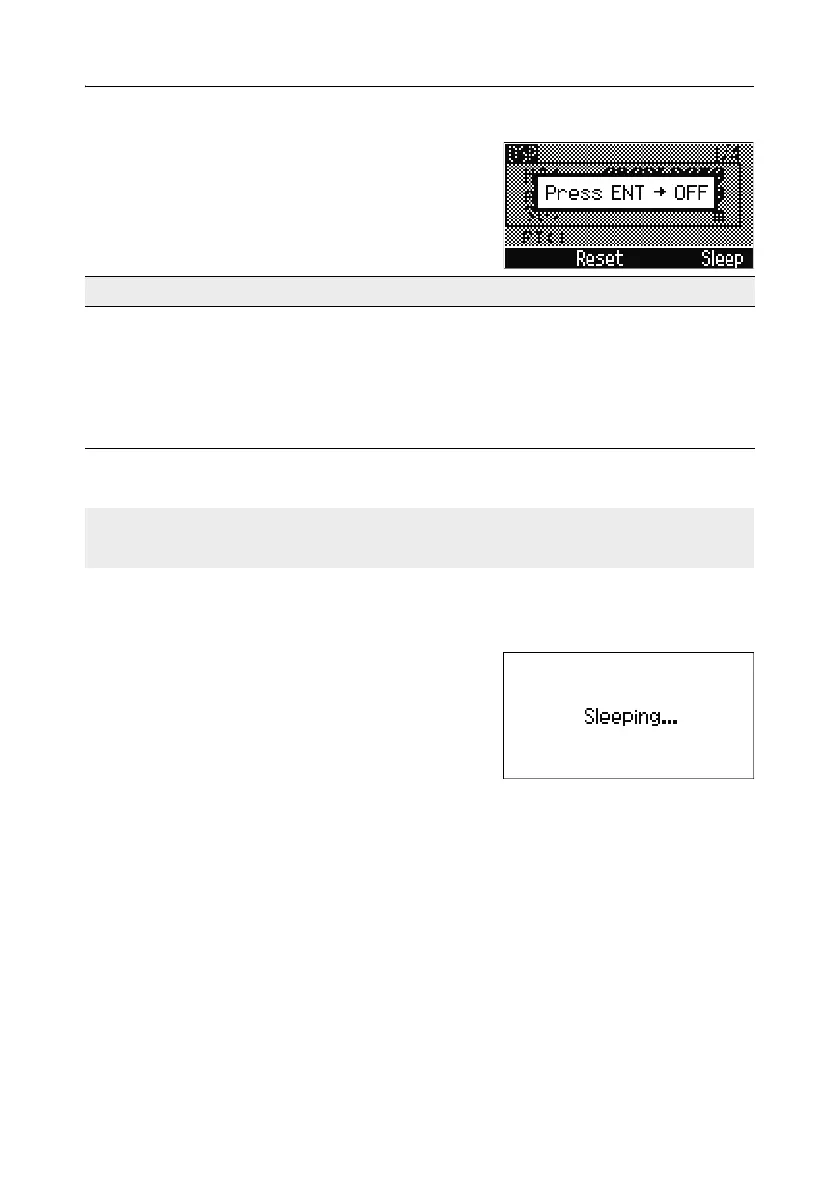
To turn the instrument off, press [PWR] and [ENT].
Then do one of the following:
Sleep mode
If you press the Sleep softkey in the Press [ENT]
→ OFF screen, or enable the Power Save setting
(see Power saving, page 138), the instrument goes
into sleep mode.
When the instrument is in sleep mode, it wakes up
if any of the following occurs:
• You press a key
• The instrument receives a remote control command
• You rotate the alidade
• You tilt the telescope
Press ... To ...
[ENT] again turn off the instrument
the
Reset softkey reboot the program and re-start the instrument
the
Sleep softkey put the instrument into power-saving mode
[ESC] cancel the power-off process and return to the
previous screen
If you press the Reset softkey, the software is rebooted and the Basic
Measurement Screen (BMS) appears without an open job.



 To Next Page