3 Getting Started
48 Pulse Laser Station NPL-302 Series Instruction Manual
When you select an option from this screen, the
change is applied immediately, and the selected
data type appears.
Press
[ESC] to return to the previous observation
screen.
List Display 3.1
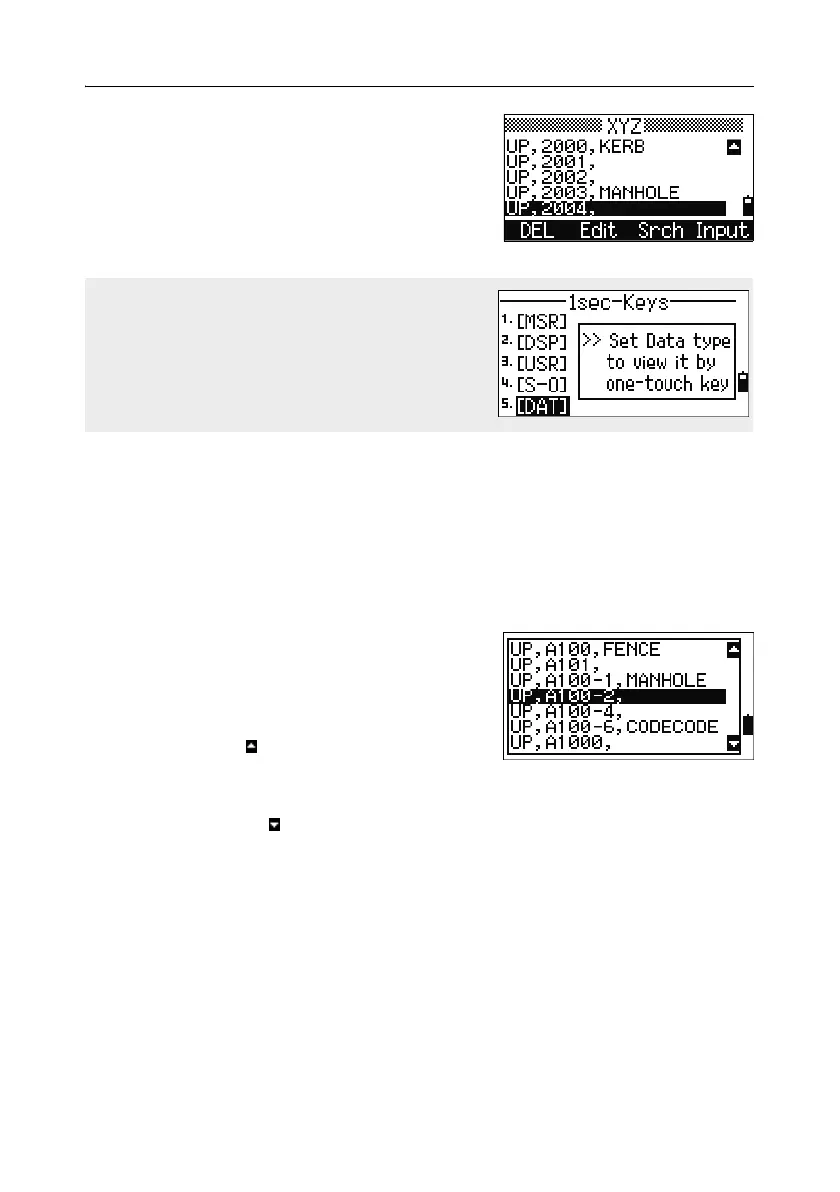
Available jobs or data appear in a list display when you do any of the following:
• view or edit data (
MENU > Data)
• open the code list, point list, or Job Manager (
MENU > Job)
• search for points or codes
In the list, the current cursor position is shown in
reverse video (it appears as white text on a black
background).
Press
[^] or [v] move the cursor one line up or down.
If the Page Up icon appears, there are more
pages before the current page. Press
[<] to move up
one page.
If the Page Down icon appears, there are more pages after the current page. Press
[>] to move down one page.
To select an item from the list, move the cursor onto the item and press
[ENT].
To change the type of data that is assigned to
[DAT], go to MENU > 1sec-Keys > [DAT].
For more information, see [DAT] key settings,
page 166.



 To Next Page