Menu Key 5
Pulse Laser Station NPL-302 Series Instruction Manual 125
Entering coordinates
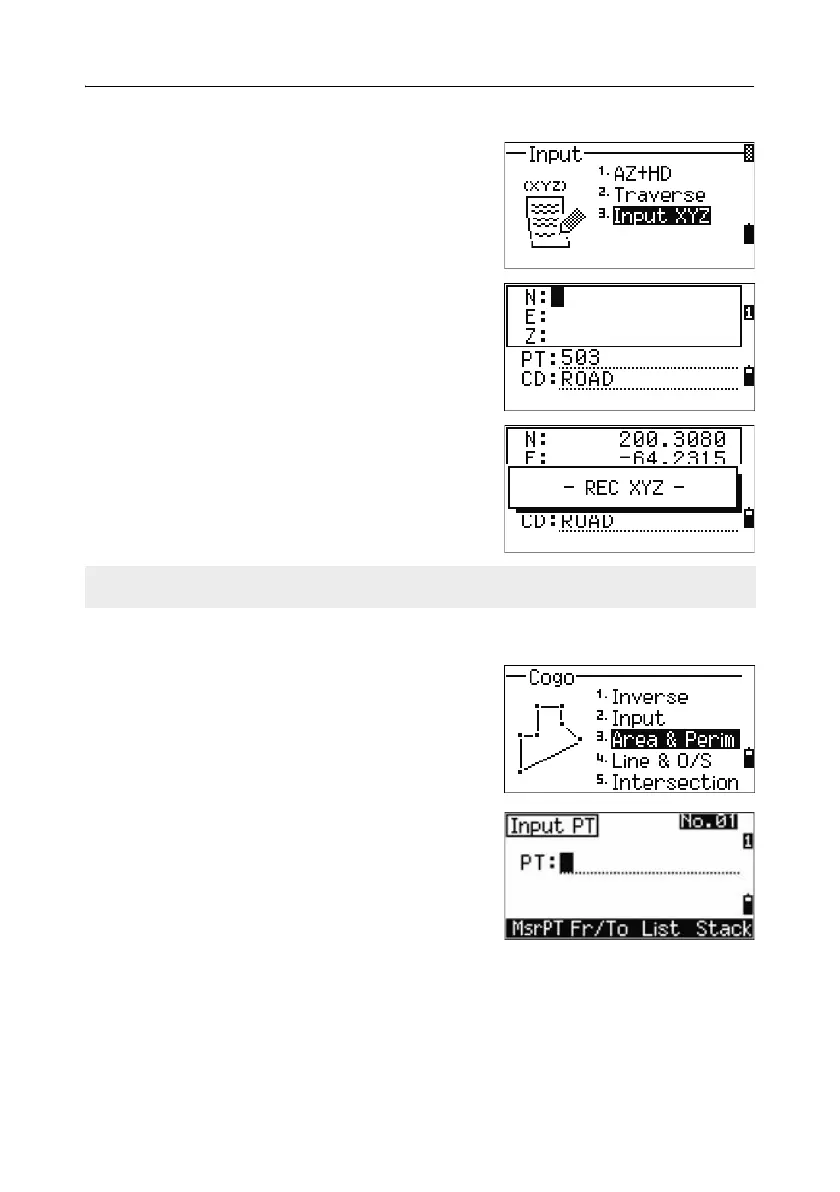
To manually enter the XYZ coordinates, press [3]
or select
Input XYZ in the Input menu.
The PT name defaults to the last recorded PT + 1.
Enter the coordinates using the numeric keys. To
move to the next field, press
[ENT] or [v] in a field
To store the point as an MP record and return to
the point input screen, press
[ENT] in the Z field.
The default PT is incremented to the next value.
Calculating area and perimeter 50.2
To calculate an area or perimeter, press [3] or select
Area & Perim in the Cogo menu.
To take a measurement, enter the first point and
press
[ENT], or press the MSR softkey.
In the upper right corner of the screen, a counter
indicates how many points you have entered.
To input point numbers consecutively, use the
Fr/To softkey. For more information, see
Advanced feature: Entering a range of points,
page 127.
You can record NE, NEZ, or Z-only data to the database.



 To Next Page