5 Menu Key
126 Pulse Laser Station NPL-302 Series Instruction Manual
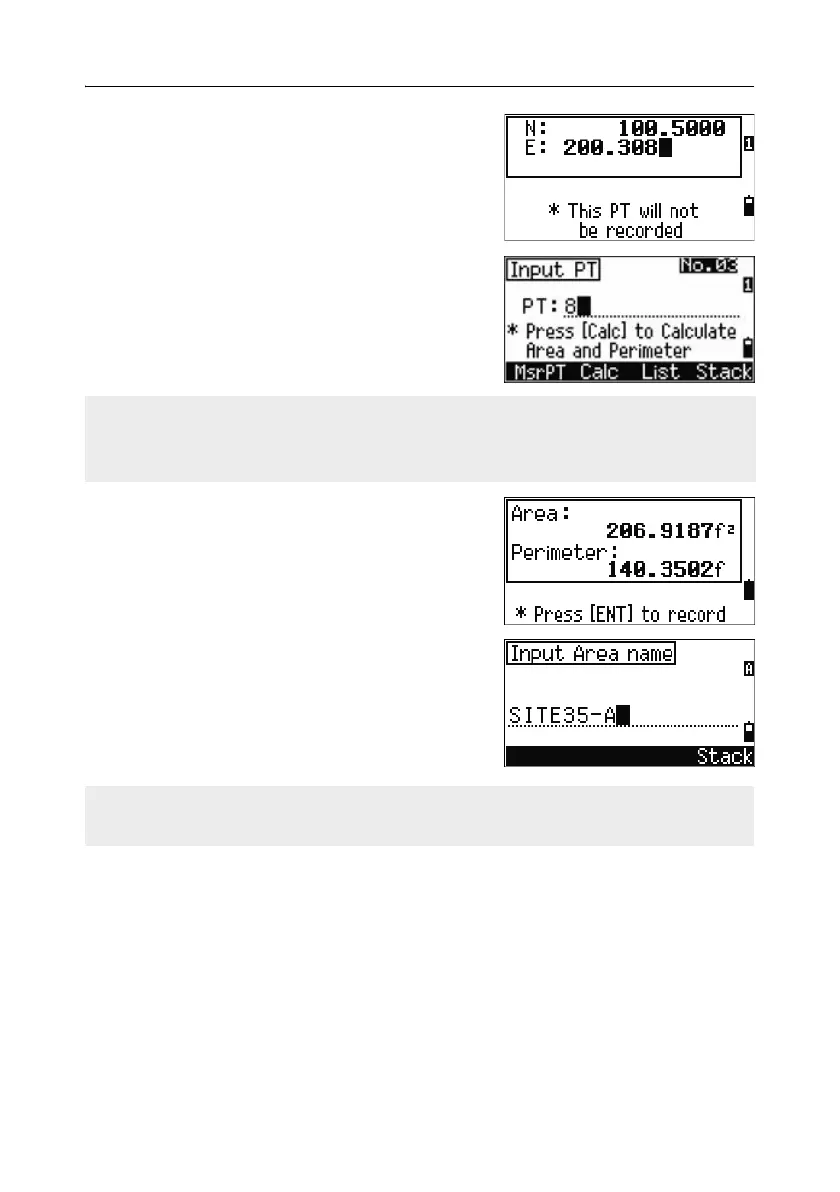
If you enter a new point name, you can enter new
coordinates and record the point. If you do not
want to record the point, press
[ENT] without
entering a value in the PT field. An XY coordinate
input screen appears.
Continue to enter points until you have defined all
the points in the lot. Then, press
[v] to calculate the
area and perimeter.
Press
[ENT] to store the calculated values as a
comment record, or press
[ESC] to return to the
Cogo menu.
If you chose to store the area, enter a name to
identify the area and then press
[ENT].
The first and last points that you enter are joined to close the area.
You must enter the points in the order in which they define the lot.
You can enter up to 99 points.
When you download data in Nikon RAW format, area (AR) records are output as
comment (CO) records.



 To Next Page