Getting Started 3
Pulse Laser Station NPL-302 Series Instruction Manual 47
To assign a specific function from the sub-menu, press [^] or [v] to highlight the
function. Then press
[ENT].
Once you have assigned a function to a
[USR] key,
it is called directly whenever you press that
[USR]
key in the BMS.
[DAT] key 30.5
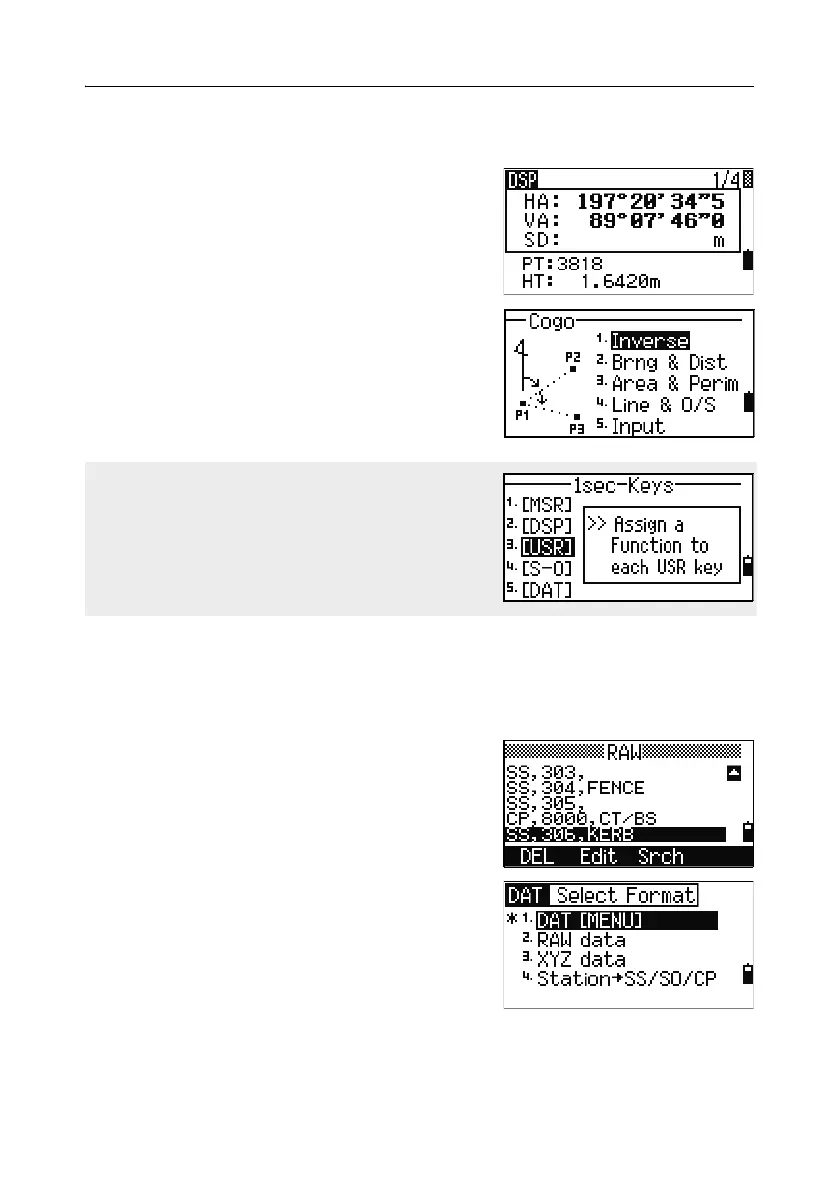
Use the [DAT] key to quickly access data in the current job from observation screens.
When you press
[DAT] in the BMS or in
observation screens in functions such as Stakeout,
2Pt RefLine, and Arc RefLine, the assigned data
in the current job appears.
Hold down
[DAT] for one second in the BMS or an
observation screen to display the Select Format
screen. Use this screen to change the type of data
that is assigned to
[DAT]. Press [1] or select
DAT [MENU] to display the Data menu
whenever you press
[DAT].
To change the type of data that is assigned to the
[USR] keys in MENU > 1sec-Keys > [USR].
For more information, see [USR] key settings,
page 165.



 To Next Page