Applications 4
Pulse Laser Station NPL-302 Series Instruction Manual 69
5.
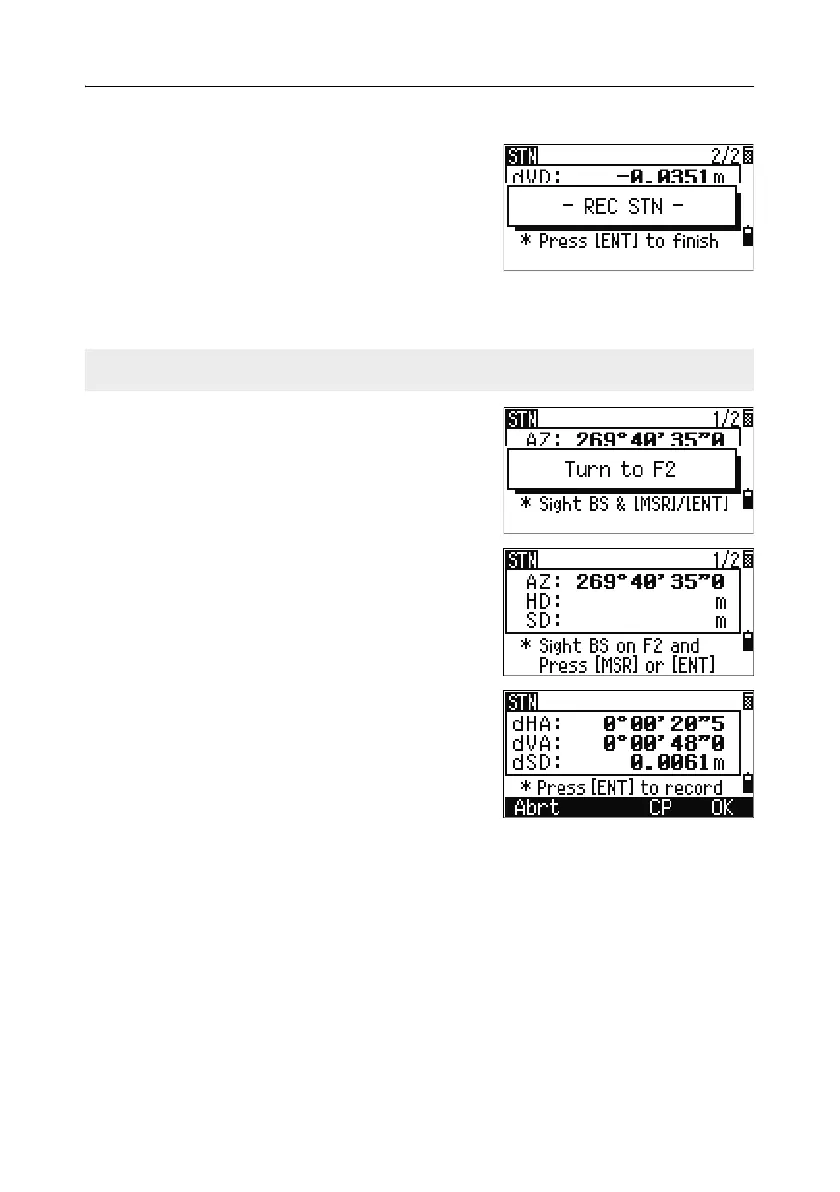
To record the station, press [ENT].
6. To finish the station setup after taking a
distance measurement, press
[ENT]. ST and F1
records are stored to the current job.
Advanced feature: Measuring F1 and F2
To take an angle shot and proceed to the next
measurement on Face-2, press the
F2 softkey.
To go directly to the Face-2 measurement after
taking a distance measurement to the BS on
Face-1, flip the telescope. The instrument
automatically detects F1/F2.
Press
[ENT] on Face-2. The delta screen appears.
To record a CP record which stores the averaged
HA, VA, and SD from the F1/F2 data, press the
CP softkey. To record only the ST and F1/F2
records, without a CP record, press the
OK
softkey.
F1/F2 measurements are not available with the NPL-332



 To Next Page