Menu Key 5
Pulse Laser Station NPL-302 Series Instruction Manual 139
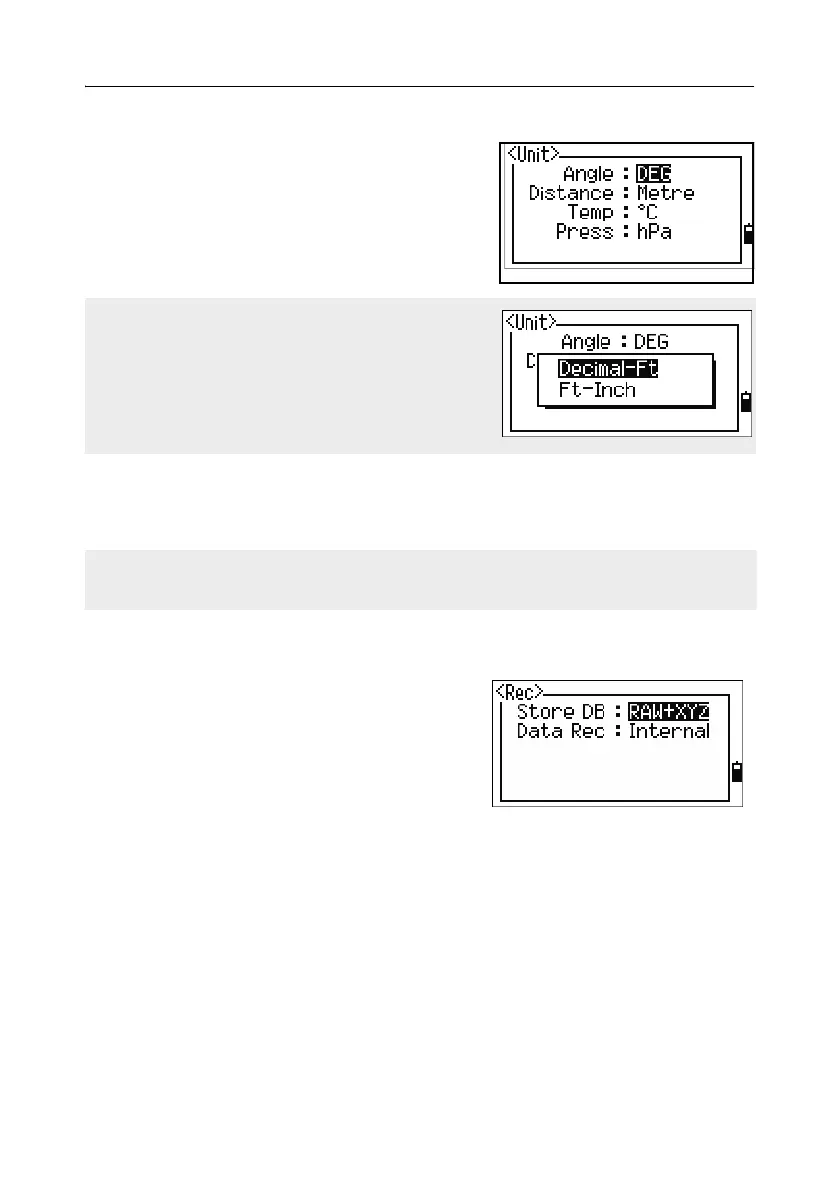
Unit 51.7
To open the Unit menu, press [7] or select Unit in
the Settings menu.
Angle DEG (Degree)
GON (GON)
MIL (Mil6400)
Distance Meter/US-Ft/I-F
Te mp
°C (Celsius)
°F (Fahrenheit)
Press hPa/mmHg/inHg
Recording 51.8
To open the Rec menu, press [8] or select
Angle in the Settings menu.
Store DB RAW/XYZ/RAW+XYZ
This setting determines whether
raw and/or coordinate data is
stored when you record SS, CP,
or SO records in the Basic
Measurement Screen (BMS) or Stakeout screen.
Data Rec Internal/COM
Set this field to COM to output data on the COM port when you press
[ENT] in the BMS or a Stakeout screen. The data is not stored to the job
file. For more information, see Outputting data to the COM port,
page 104.
If you select US-Ft or I-Ft, an additional settings
screen appears. Use this screen to specify
whether to display values in Decimal-Ft or
Ft-Inch.
The Angle, Distance, Temp, and Press job settings cannot be changed once a job is
created.



 To Next Page