5 Menu Key
118 Pulse Laser Station NPL-302 Series Instruction Manual
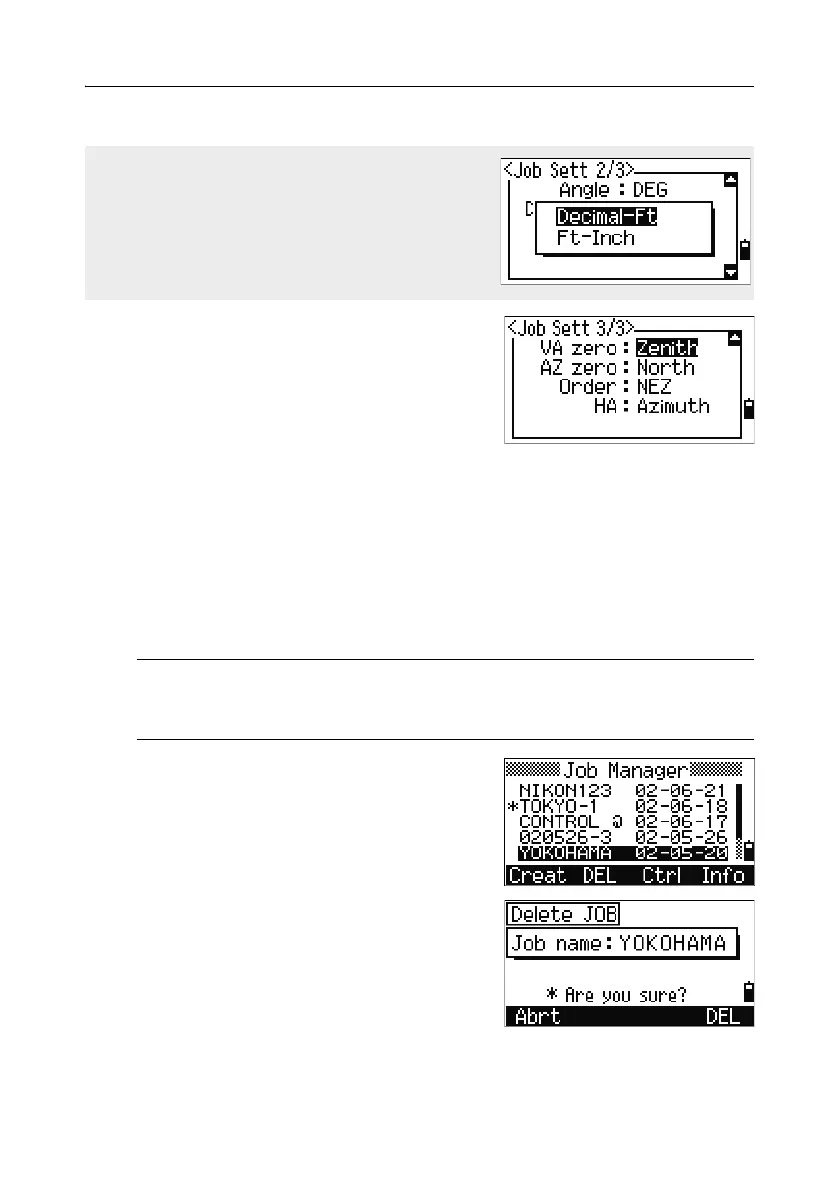
VA zero Zenith/Horizon/
Compass
AZ zero North/South
Order NEZ/ENZ
HA Azimuth/0 to BS
To move between fields, press [^] or [v].
Alternatively, to move to the next field, press
[ENT].
To change the setting in the selected field, press
[<] or [>].
To confirm the job settings and create the job, press
[ENT] in the last field (HA).
These settings are separate from other temporary settings.
Deleting a job 50.1
C
Caution – There is no undelete function in the Job Manager. Before you
press [ENT] or select
DEL, make sure that the selected job is the one that you
want to delete.
1.
In the job list, highlight the job that you want
to delete.
2. Press the DEL softkey. A confirmation screen
appears.
3. Do one of the following:
– To delete the selected job, press
[ENT] or the
DEL softkey.
If you select US-Ft or I-Ft, an additional settings
screen appears. Use this screen to specify
whether to display values in Decimal-Ft or Ft-
Inch.



 To Next Page