5 Menu Key
142 Pulse Laser Station NPL-302 Series Instruction Manual
To see detailed information for the selected
records, press
[ENT].
To return to the record list, press
[ESC].
SS, CP, F1, F2 records
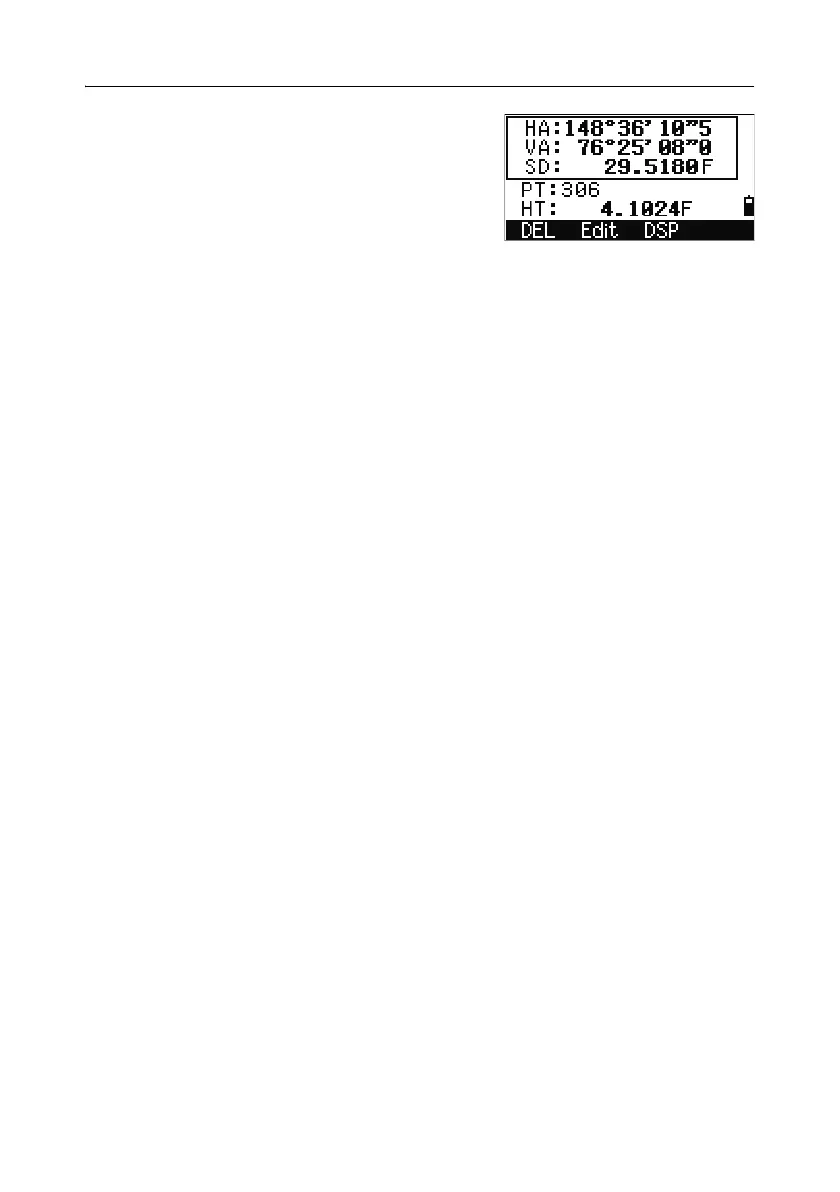
Raw SS, CP, F1, and F2 records contain PT, HT, CD, HA, VA, and SD fields.
SS records are sideshots (topo shots). All shots from the Basic Measurement Screen
(BMS) are stored as SS records.
CP records are shots taken in the Angle or Repeat menus, or in the BMS. For more
information, see Recording a foresight point after repeat angle measurement,
page 64, and Recording data from any observation screen, page 103.
F1 and F2 records are Face-1 and Face-2 measurements.
When the Store DB setting is set to RAW+XYZ, press
[DSP] to switch between the
first screen (showing HA, VA, SD, PT, and HT) and the second screen (showing X,
Y, Z, PT, and CD).
Coordinates are not available in F1 or F2 records.
When you take more than one measurement to the same point and choose to
overwrite the XYZ data, the old raw record becomes raw data only. As a result, only
one SS(RAW) record keeps its corresponding SS(XYZ) record. Other SS(RAW)
records to the same point no longer have coordinates available.
ST records
ST (station) records contain ST, HI, BS, and AZ fields.
Press
[DSP] to switch between the first screen (showing ST, HI, BS, and AZ) and the
second screen (showing X, Y, Z, PT, and CD).
When you assign a new ST point name in
MENU > Stn Setup > Quick, the
coordinates of the station is recorded as (0, 0, 0).
SO records
SO records are stakeout shots. These are shots recorded in stakeout functions.
When the Store DB setting is set to RAW+XYZ, press
[DSP] to switch between the
first screen (showing HA, VA, SD, PT, and HT), the second screen (showing X, Y,
Z, PT, and CD), and the third screen (showing dX, dY, dZ, PT, and CD).



 To Next Page