3 Getting Started
44 Pulse Laser Station NPL-302 Series Instruction Manual
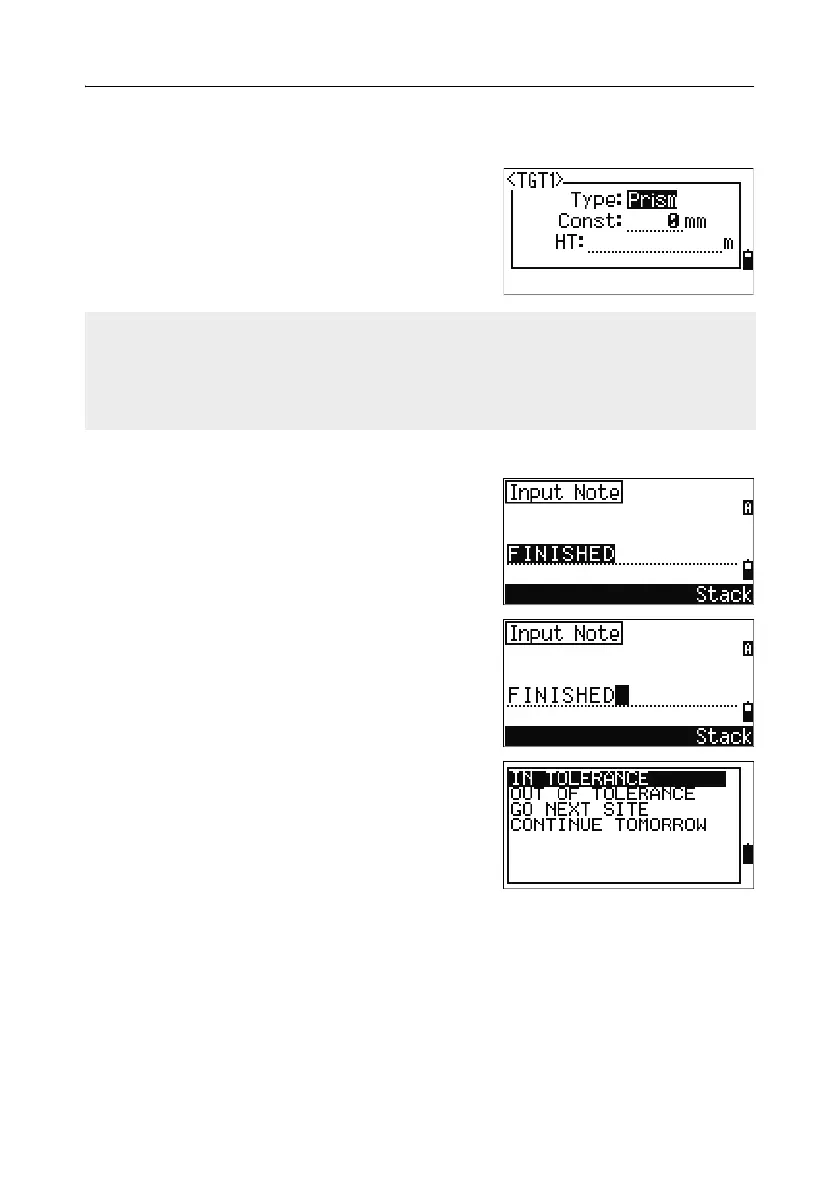
To change the settings defined in a target set, highlight the target set in the list.
Then press the
Edit softkey.
Type Prism/N-Prism
Const –999 to 999 mm
HT –9.990 to 99.990 m
Entering a field note
To enter a field note, press [HOT] to display the
HOT menu. Then either press
[4], or select Note
and press
[ENT].
This function can be used at any time on any
observation screen.
Each note can be up to 50 characters.
The note is stored as a CO record in the raw data.
To display a list of previously used notes, press
the
Stack softkey. The stack stores the last 20
notes.
Use
[^] or [v] to highlight a note in the list. Then
press
[ENT] to select the note.
HT can be left blank in the target set. If you leave it blank, the current HT value is
always applied to the measurement.
When a target set is selected, the Type and Const values are copied to both [MSR1]
and [MSR2] settings, and to the measurements in Qcode. If you have specified a
value for HT, this value is also copied to the current HT.



 To Next Page