Getting Started 3
Pulse Laser Station NPL-302 Series Instruction Manual 51
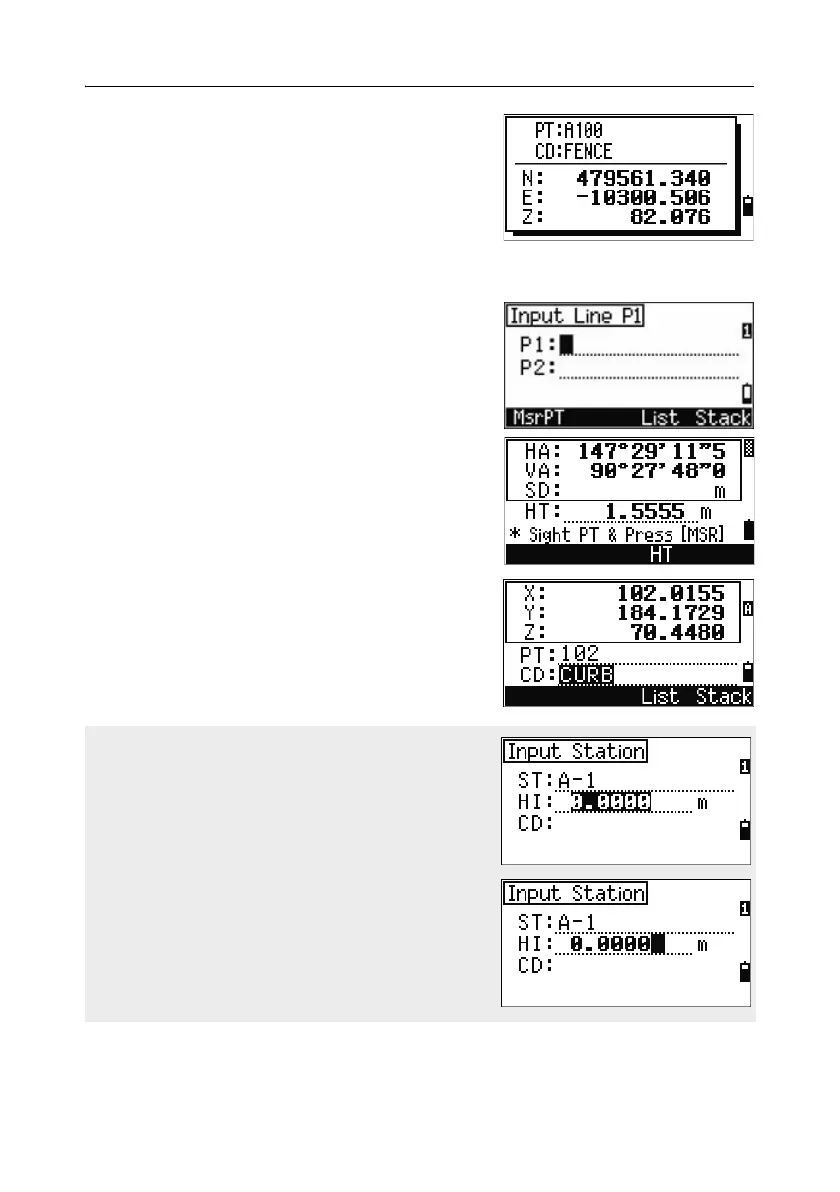
When you select a point from the list, its
coordinates are displayed and a beep sounds.
Recording an instant measurement
You can also input a point by recording an instant
measurement. To do this, press the
MSR softkey.
An observation screen appears.
Press
[MSR1] or [MSR2] to start a measurement. To
change the height of the target, press the
HT
softkey.
To go to the point recording screen when you have
finished the measurement, press
[ENT].
Enter the point or code name. Press
[ENT].
When you move the cursor to a field, the current
or default value appears in inverted text (this is
the default “Replace All” input mode).
Press [>] to change the input mode to Overwrite
mode and highlight the first character. Press [<] to
move the cursor the end of the string.



 To Next Page