338
Computers: Connecting via Ethernet or Wireless LAN
4
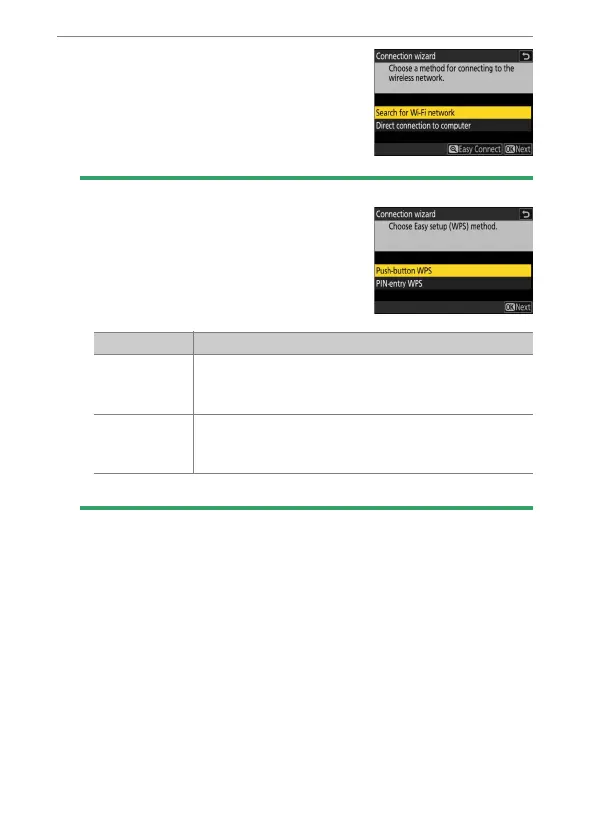
Highlight [Search for Wi-Fi network]
and press
J
.
The camera will search for networks
currently active in the vicinity and list
them by name (SSID).
D
[Easy Connect]
•
To connect without entering an SSID or
encryption key, press
X
in Step 4. Next,
press
J
and choose from the following
options:
•
After connecting, proceed to Step 7.
Option Description
[Push-button
WPS]
For routers that support push-button WPS. Press the
WPS button on the router and then press the camera
J
button to connect.
[PIN-entry
WPS]
The camera will display a PIN. Using a computer,
enter the PIN on the router. For more information, see
the documentation provided with the router.



 To Next Page