339
Computers: Connecting via Ethernet or Wireless LAN
5
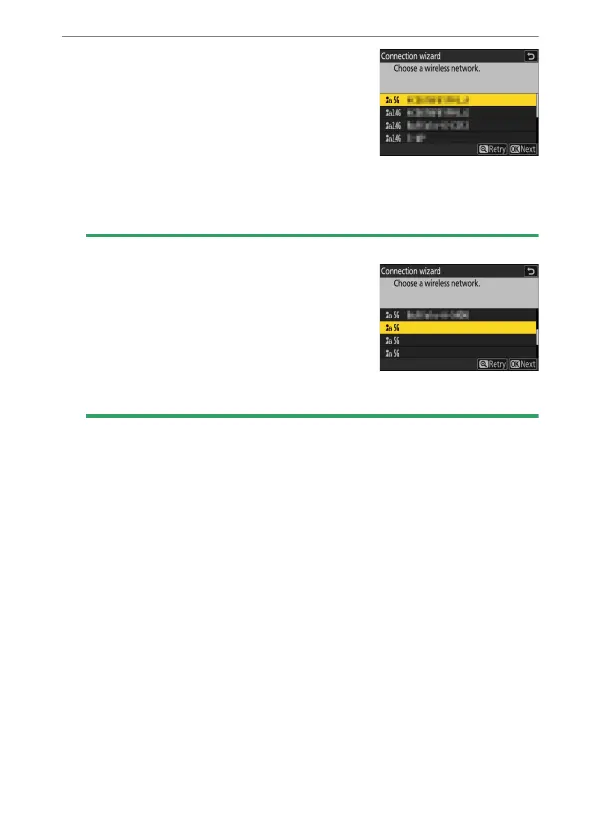
Choose a network.
•
Highlight a network SSID and press
J
.
•
The band on which each SSID operates
is indicated by an icon.
•
Encrypted networks are indicated by a
h
icon. If the selected network is
encrypted (
h
), you will be prompted to enter the encryption key. If
the network is not encrypted, proceed to Step 7.
•
If the desired network is not displayed, press
X
to search again.
D
Hidden SSIDs
Networks with hidden SSIDs are indicated by
blank entries in the network list.
•
To connect to a network with a hidden
SSID, highlight a blank entry and press
J
.
Next, press
J
; the camera will prompt you
to provide an SSID.
•
Enter the network name and press
X
. Press
X
again; the camera will now prompt you to enter the encryption key.



 To Next Page