91
Taking Photographs
5
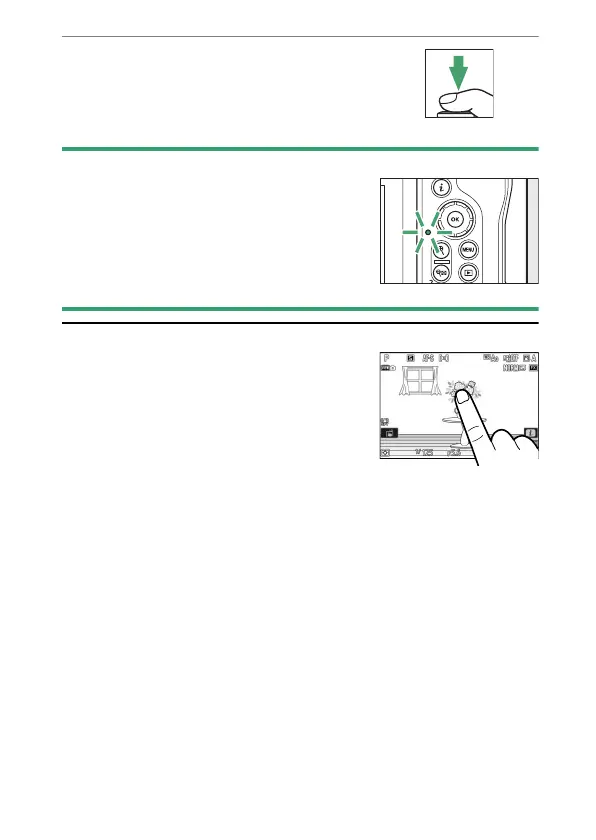
Without lifting your finger from the
shutter-release button, press the
button the rest of the way down to take
the picture.
D
The Memory Card Access Lamp
The memory card access lamp will light while the
photograph is being recorded. Do not remove the
memory card or battery.
A
The Touch Shutter
You can also take a photograph by touching the
monitor. Touch your subject to focus and lift your
finger to release the shutter (
0
124).



 To Next Page