92
Taking Photographs
A
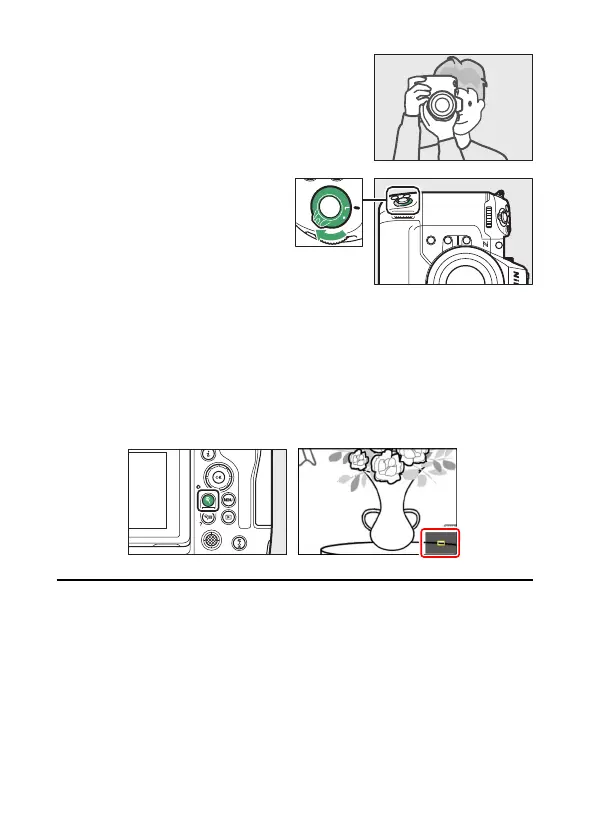
Framing Photos in Portrait (“Tall”) Orientation
The camera is equipped with controls for use in
portrait (“tall”) orientation, including vertical
shutter-release,
S
, Fn, AF-ON, and
i
buttons,
main and sub-command dials, and a multi
selector.
•
Rotate the vertical shooting
shutter-release button lock to L to
avoid accidentally operating these
controls when the camera is in
landscape (“wide”) orientation.
A
Using Zoom in Photo Mode
To zoom in on the display in photo mode (to a maximum of approximately
16×), press the
X
button.
•
Use the
X
and
W
(
Q
) buttons to zoom in and out.
•
A navigation window showing the area currently visible will appear at the
bottom right corner of the display.
•
Use the multi selector to scroll to areas of the frame not visible in the
monitor.



 To Next Page